
|
Do it yourself
| |||
| ||||


Aprilia Shiver 750 - Video guides Aprilia Shiver 750
 How to Replace the Battery on an Aprilia Shiver 750? You can replace the battery on an Aprilia Shiver 750 by removing the seat from its housing, loosening the screws that secure it: once the screws are loosened, …Read all… Posted on 14 September 2026 by ScegliAuto  Aprilia Shiver 750
 How to Replace the Rear Brake Pads on the Aprilia Shiver 750? You can replace the rear brake pads on the Aprilia Shiver 750 by removing the safety clip and unscrewing the pin that holds the pads in place. It is important …Read all… Posted on 20 February 2026 by ScegliAuto  Aprilia Shiver 750
 How to Reset the Service Light on Aprilia Shiver 750 Today, you will learn how to independently reset the service light related to the service on an Aprilia Shiver 750 motorcycle. After performing the service …Read all… Posted on 15 February 2026 by ScegliAuto  Aprilia Shiver 750
 How do you replace the spark plugs of the Aprilia Shiver 750? In order to replace the spark plugs of the Aprilia Shiver 750, you need to loosen the screws that secure the components in the top part of the motorcycle: the …Read all… Posted on 17 September 2025 by ScegliAuto  Aprilia Shiver 750
 How do you replace the exhaust pipe of the Aprilia Shiver 750? The replacement of the exhaust pipe installed on the Aprilia Shiver 750 can be carried out by loosening the screws that secure the panel located at the rear …Read all… Posted on 7 September 2025 by ScegliAuto  Aprilia Shiver 750
 How do you replace the front headlight of the Aprilia Shiver 750? In order to replace the front headlight of the Aprilia Shiver 750, you need to loosen the screws that secure the panels located in the front of the motorcycle, …Read all… Posted on 29 May 2025 by ScegliAuto  Aprilia Shiver 750
 How do you replace the front brake pads of the Aprilia Shiver 750? In order to replace the front brake pads of the Aprilia Shiver 750, you need to loosen the screws that secure the front brake caliper to its housing: once the …Read all… Posted on 17 May 2025 by ScegliAuto  Aprilia Shiver 750
 Guide to replacing the air filter on the Aprilia Shiver 750 The steps outlined in this guide will show us the process of disassembling and replacing the air filter of the Aprilia Shiver 750 motorcycle. First, we put the …Read all… Posted on 11 September 2024 by ScegliAuto  Aprilia Shiver 750
 How do you replace the air filter of the Aprilia Shiver 750? In order to replace the air filter of the Aprilia Shiver 750, you need to loosen the screws that secure the fuel tank to its housing, so that it can be lifted: …Read all… Posted on 20 May 2024 by ScegliAuto 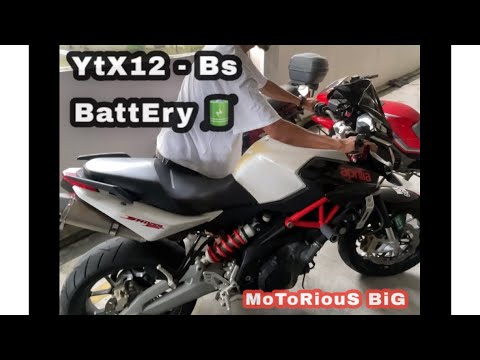 Aprilia Shiver 750
 How to Replace the Battery on the Aprilia Shiver 750? To replace the battery on the Aprilia Shiver 750, loosen the screws that secure the seat to its housing and also those fairings located on the sides of the …Read all… Posted on 18 September 2026 by ScegliAuto 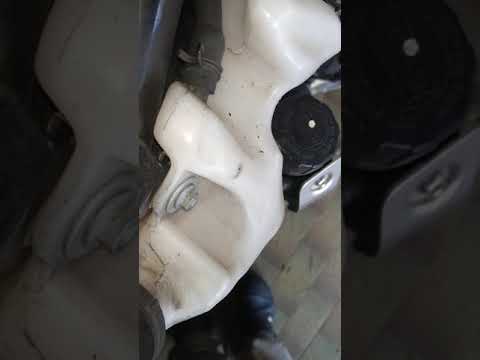 Aprilia Shiver 750
 How to replace the air filter on the Aprilia Shiver 750 Today's guide will illustrate the main instructions for disassembling and replacing the air filter and spark plugs on the Aprilia Shiver 750 motorcycle. First, …Read all… Posted on 28 August 2026 by ScegliAuto 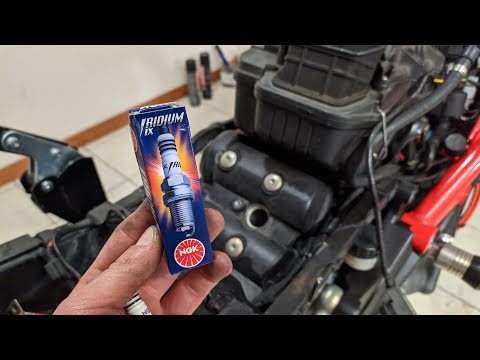 Aprilia Shiver 750
 How to replace the spark plugs on the Aprilia Shiver 750? To replace the spark plugs on the Aprilia Shiver 750, loosen the screws that secure the components of the bike to their housing. These screws are located on …Read all… Posted on 30 July 2026 by ScegliAuto 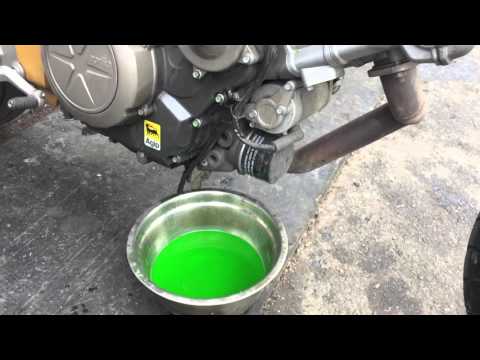 Aprilia Shiver 750
 How to Bleed the Cooling System of the Aprilia Shiver 750 In this guide, you will learn the steps necessary to bleed the cooling system of the Aprilia Shiver 750 motorcycle. First, place the bike on its stand and …Read all… Posted on 13 September 2026 by ScegliAuto 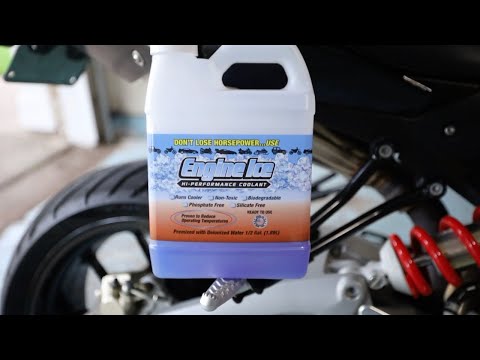 Aprilia Shiver 750
 Replace the Coolant in the Aprilia Shiver 750 In this short and simple guide, follow the steps to replace the coolant in the Aprilia Shiver 750. First, place the bike on its stand and start removing the …Read all… Posted on 7 September 2026 by ScegliAuto 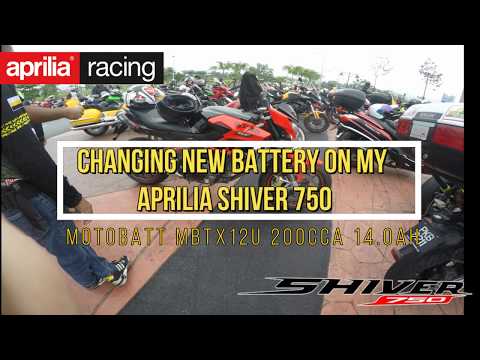 Aprilia Shiver 750
 How to Replace the Battery of the Aprilia Shiver 750? To replace the battery on the Aprilia Shiver 750, detach the seat from its housing to access the components underneath: here you will find the battery, which …Read all… Posted on 31 August 2026 by ScegliAuto  Aprilia Shiver 750
 How to Replace the Exhaust on an Aprilia Shiver 750? To replace the exhaust on an Aprilia Shiver 750, first loosen the screws that secure the old exhaust to its supports at the rear. After removing the exhaust, …Read all… Posted on 24 July 2026 by ScegliAuto  Aprilia Shiver 750
 How to Reset the Service Light on an Aprilia Shiver 750? To reset the Service light on the Aprilia Shiver, turn on the ignition so you can access the menu: using the controls on the right of the handlebars, select …Read all… Posted on 19 July 2026 by ScegliAuto  Aprilia Shiver 750
 How to Change the Engine Oil of the Aprilia Shiver 750? To change the engine oil of the Aprilia Shiver 750, unscrew the oil drain plug located on the lower side of the bike to collect all the used oil in a suitably …Read all… Posted on 18 July 2026 by ScegliAuto 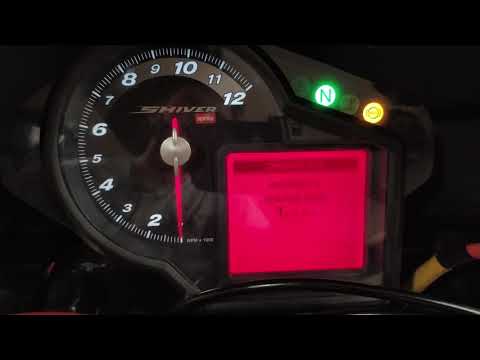 Aprilia Shiver 750
 How to Reset the Service Light on the Aprilia Shiver 750 If the maintenance light has appeared on the display of your Aprilia Shiver 750, don’t worry. You can easily eliminate it in a few seconds through a reset …Read all… Posted on 17 July 2026 by ScegliAuto  Aprilia Shiver 750
 Replacing the air filter on the Aprilia Shiver In today's video tutorial, we will see step-by-step instructions for removing and replacing the engine air filter on the Aprilia Shiver 750. First, remove the …Read all… Posted on 4 July 2026 by ScegliAuto |
See also:
How to Set the Time on the New Vespa 2023
In this new mini guide dedicated to your new Vespa 2023, discover how to manually change the time displayed on the central dashboard. First, position your Vespa on the stand. Then, insert the key and start the instrument panel. At this point, locate the "Mode" button on the right knob and hold it down for a few seconds. Release it as soon as the time on the dashboard starts to flash and press it multiple times to change both the hour and minute digits. When finished, turn off the panel and you are done. by ScegliAuto More videos
|
|
For advertising on this site Write to info@scegliauto.com
ScegliAuto is not responsible for any inaccuracy of the data in the lists. To report any inaccuracy or your business (if you own the business in question), please write to info@scegliauto.com
Number of seconds to generate the page: 0.017
(c) ScegliAuto 2026 - info@scegliauto.com - Privacy policy VAT number: IT01247470535 |
