
|
Do it yourself
| |||
| ||||


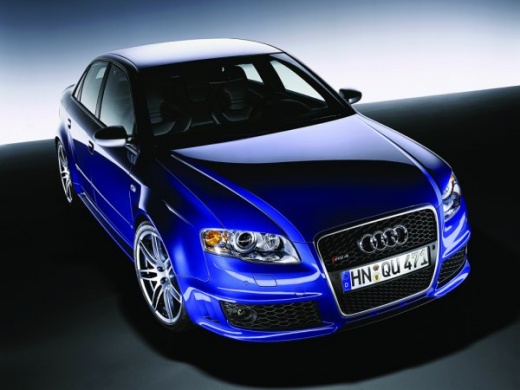
Replace the Dome Light Bulb in an Audi A4
Model: Audi A4
B7
- Years:
2004, 2005, 2006, 2007, 2008
Video tutorial
In this video, see how to replace the dome light bulb in an Audi A4 after disassembly. Use a screwdriver or plastic trim tool to pry between the dome light cover and the headliner (without damaging the headliner). Remove the trim from the panel and unscrew the screws of the dome light with a screwdriver. Disconnect the power connector after removing it. Replace the damaged bulb with a new one (same size and voltage). Reinstall the dome light in its housing (push it in with your hands until the metal clips are fully locked), screw it in, and secure it with the plastic cover. Test the light's functionality before reinstalling the piece.
Updated on 28 February 2026 by ScegliAuto
Related tutorials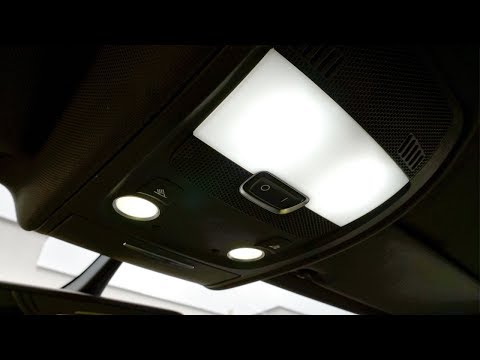
Audi A4
(2014-2024 /
B9)
In this video, see how to replace the dome light bulbs on an Audi A4. Use a screwdriver to pry between the dome light and its frame (without breaking…
Audi A4
(2007-2016 /
B8)
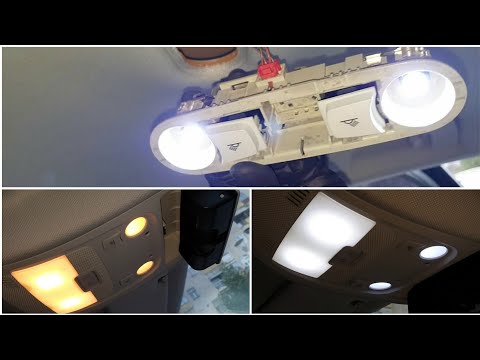
Replacing the dome light bulbs in an Audi A4, as shown in this tutorial, is a very simple task. To do this, you will need a Torx T20 screwdriver and …
Audi A4
(2004-2008 /
B7)
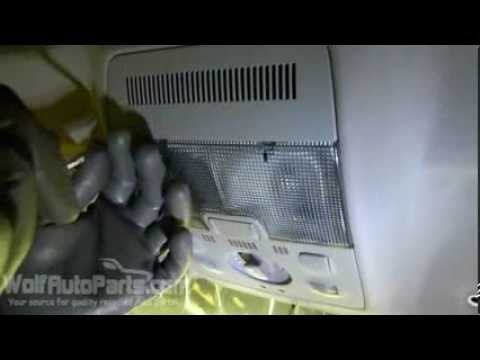
In this video, see how to remove the dome light from an Audi A4. Use a screwdriver to pry between the dome light and the transparent cover (without b…
Other guides you may be interested in |
How to Open the Fuel Filler Flap in the Hyundai i30?
In this tutorial, you will learn how to open the fuel filler flap in the Hyundai i30, a very simple operation that follows the typical procedure of most vehicles. First, unlock the locks using the designated button on the remote, then open the driver's door, locate the release lever on the left side of the seat, and operate it. Next, move to the fuel filler flap, open it completely, unscrew the cap, and refuel as needed. To close the flap, simply press it gently. by ScegliAuto More videos
|
|
For advertising on this site Write to info@scegliauto.com
ScegliAuto is not responsible for any inaccuracy of the data in the lists. To report any inaccuracy or your business (if you own the business in question), please write to info@scegliauto.com
Number of seconds to generate the page: 0.026
(c) ScegliAuto 2026 - info@scegliauto.com - Privacy policy VAT number: IT01247470535 |
