
|
Do it yourself
| |||
| ||||


How do you reset the Service light on the Audi A4?
Model: Audi A4
B9
- Years 2014-2024
The Service indicator that is shown on the instrument panel of the Audi A4 can be reset by turning on the instrument panel and navigating through the menu that will be displayed on the central screen: scrolling through the Settings, you will be able to verify that the remaining kilometers until the next maintenance will be reset. At this point, you will need to connect a diagnostic tool to the OBD port of the vehicle, located on the bottom left next to the steering column: selecting the car model and its version on the scanner, you will be able to reset the indicator. By turning on the instrument panel again, you will then notice that the indicator has disappeared.
Posted on 4 September 2025 by ScegliAuto
This video is currently unavailable
Related tutorials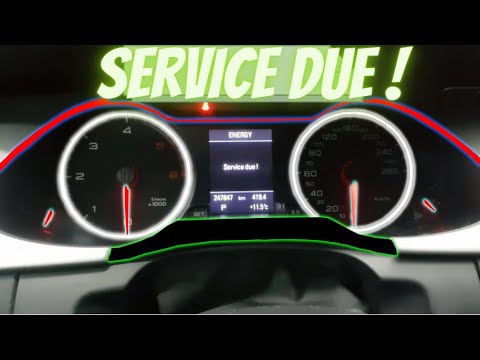
Audi A4
(2007-2016 /
B8)
To reset the Service light on an Audi A4, connect a diagnostic tool to the vehicle's OBD port: this is located on the lower left side of the dashboar…

Audi A4
(2014-2024 /
B9)
From the instrument cluster of the Audi A4, you can clear the Service light that illuminates by turning on the ignition and navigating through the me…
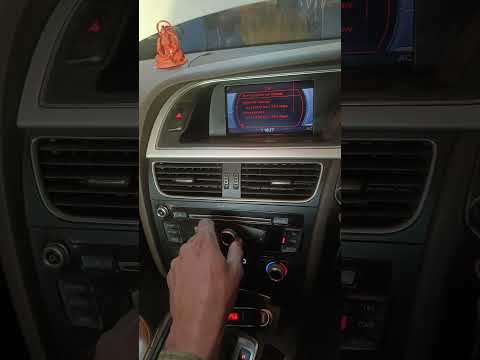
Audi A4
(2004-2008 /
B7)
The following video tutorial shows us the steps to reset the service light on an Audi A4 vehicle. To reset the light, we need to turn on the instrume…
Other guides you may be interested in |
How to Replace the Diesel Filter of the Peugeot 3008 1.5 BlueHDI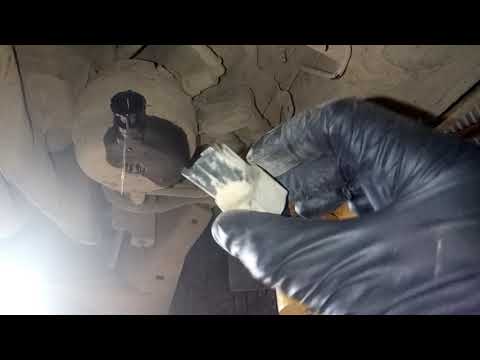
Briefly, we will see the main instructions for dismantling and replacing the diesel filter of the Peugeot 3008 1.5 BlueHDI. First, locate the diesel filter under the vehicle, so it will be necessary to lift it; then disconnect the electrical connector and the fuel lines from the filter, unscrewing the side screws to remove the cartridge, as shown in the video. At this point, replace the diesel filter with the new one, as well as with the original one; then reconnect the pipes and the electrical connector, following the video tutorial to the end! by ScegliAuto More videos
|
|
For advertising on this site Write to info@scegliauto.com
ScegliAuto is not responsible for any inaccuracy of the data in the lists. To report any inaccuracy or your business (if you own the business in question), please write to info@scegliauto.com
Number of seconds to generate the page: 0.661
(c) ScegliAuto 2026 - info@scegliauto.com - Privacy policy VAT number: IT01247470535 |
