
|
Do it yourself
| |||
| ||||


Reset of the AdBlue warning light of the Audi A4
Model: Audi A4
B8
- Years 2007-2016
In this guide, we will see the instructions that will allow us to reset the AdBlue warning light on the Audi A4. First, we get inside the vehicle and start by turning on the instrument panel, then connecting our computer to the car's OBD port. We launch the VCDS software and enter the make and model of the vehicle. At this point, we follow the guided procedure to confirm and execute the reset of the AdBlue warning light, after having refilled it with the appropriate canister or directly at the pump. Finally, we turn off the ignition and start the engine.
Posted on 20 December 2025 by ScegliAuto
Video tutorial
Related tutorials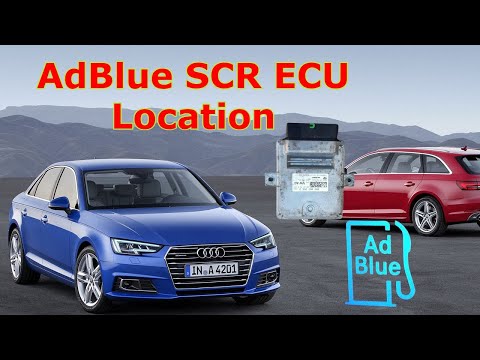
Audi A4
(2014-2024 /
B9)
The instructions given in this guide will show us how to reset the AdBlue refill warning light on the Audi A4. First, it is necessary to have perform…

Audi A4
(2007-2016 /
B8)
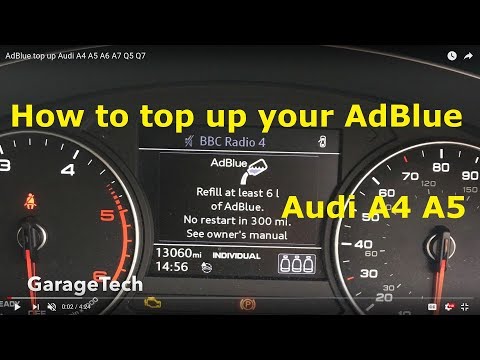
In this guide we will see the information related to topping up the AdBlue fluid and resetting the warning on the Audi A4. First of all, we get on bo…
Audi A4
(2014-2024 /
B9)
In order to reset the Audi A4 AdBlue warning light, it is necessary to top up the additional liquid by pouring it into the special tank. After you ha…
Other guides you may be interested in
|
How to Remove the Front Bumper on a Renault Clio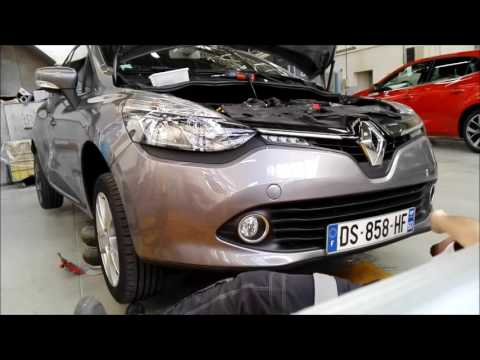
Want to remove the front bumper on a Renault Clio? Let's see how to proceed with the disassembly in the video: open the bonnet by pulling the bonnet release lever and secure it. Unscrew the fastening pins of the upper cover of the front bumper using a socket wrench. Unscrew the screws on the front bumper, unscrew the screws under the splash guard and under the bumper. Remove the bumper from the body of the vehicle, unscrew the pins located at the side of the headlight (if you need to replace it). Fit the new bumper with the associated pins onto the vehicle, following the steps taken during disassembly. by ScegliAuto More videos
|
|
For advertising on this site Write to info@scegliauto.com
ScegliAuto is not responsible for any inaccuracy of the data in the lists. To report any inaccuracy or your business (if you own the business in question), please write to info@scegliauto.com
Number of seconds to generate the page: 0.059
(c) ScegliAuto 2026 - info@scegliauto.com - Privacy policy VAT number: IT01247470535 |
