
|
Do it yourself
| |||
| ||||


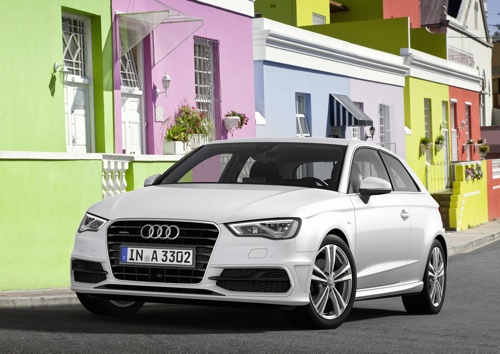
How to Connect Your Smartphone to the Audi A3 Multimedia System
Model: Audi A3
8V, MK 3
- Years:
2012, 2013, 2014, 2015, 2016, 2017, 2018, 2019
Video tutorial
In this brief guide, you will find instructions on how to connect your smartphone to the Audi A3 multimedia system via Bluetooth. First, get in the vehicle and turn on the instrument panel; then enable Bluetooth on your smartphone and pair it by selecting the vehicle's Bluetooth option, as shown in the video. At this point, enter the code to complete the pairing, allowing you to play multimedia content from your vehicle (selecting the appropriate output) and answer/receive calls.
Posted on 14 June 2026 by ScegliAuto
Related tutorials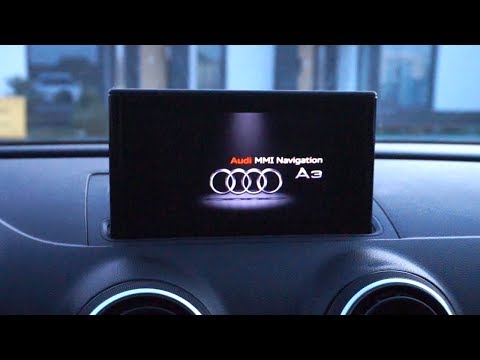
Audi A3
(2020-2026 /
MK 4, 8Y)
MMI is the name of the multimedia system from Audi. It is a highly advanced system that allows the user to have a cockpit almost devoid of knobs and …

Audi A3
(2012-2019 /
8V, MK 3)
When the navigation system on the Audi A3 freezes irreparably, a reset of the system is necessary. To proceed with the reset, press and hold the powe…

Audi A3
(2020-2026 /
MK 4, 8Y)
In today's article, you will learn how to reset the MMI radio in an Audi A3 in case of software issues or radio lock-up. To reset the radio, first, t…
Other guides you may be interested in |
How to Open the Fuel Filler Flap in the Hyundai i30?
In this tutorial, you will learn how to open the fuel filler flap in the Hyundai i30, a very simple operation that follows the typical procedure of most vehicles. First, unlock the locks using the designated button on the remote, then open the driver's door, locate the release lever on the left side of the seat, and operate it. Next, move to the fuel filler flap, open it completely, unscrew the cap, and refuel as needed. To close the flap, simply press it gently. by ScegliAuto More videos
|
|
For advertising on this site Write to info@scegliauto.com
ScegliAuto is not responsible for any inaccuracy of the data in the lists. To report any inaccuracy or your business (if you own the business in question), please write to info@scegliauto.com
Number of seconds to generate the page: 0.025
(c) ScegliAuto 2026 - info@scegliauto.com - Privacy policy VAT number: IT01247470535 |
