
|
Do it yourself
| |||
| ||||


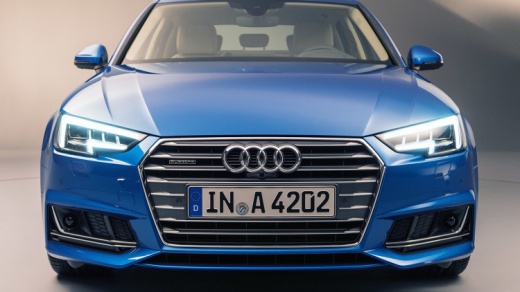
How to Restart the MMI Multimedia Interface on an Audi A4/S4
Model: Audi A4
B9
- Years:
2014, 2015, 2016, 2017, 2018, 2019, 2020, 2021, 2022, 2023, 2024
Video tutorial
If the MMI display on your Audi A4/S4 is frozen or showing a static image, a restart (soft reset) can resolve the issue. It does not erase data or settings. Start by pressing the central button (joystick) on the center console. Hold the joystick down while simultaneously pushing the two side buttons (right and left) for about 2-3 seconds. The system will automatically restart after a few seconds. If the problem persists, perform a factory reset from the settings menu, following the system prompts (but remember that this will erase personal data). Restarting is the most effective method to fix minor malfunctions.
Posted on 8 September 2026 by ScegliAuto
Related tutorials
Audi A4
(2007-2016 /
B8)
The Multi Media Interface (MMI) is an in-car user interface multimedia system developed and introduced by Audi. It consists of a single integrated in…
Audi A4
(2007-2016 /
B8)
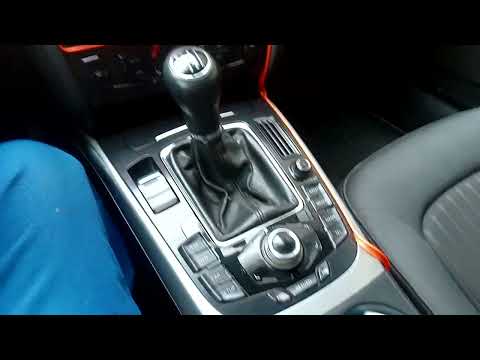
In an Audi A4, the MMI multimedia system may experience malfunctions, such as continuous freezes or connection issues. In these cases, try resetting …
Audi A4
(2007-2016 /
B8)
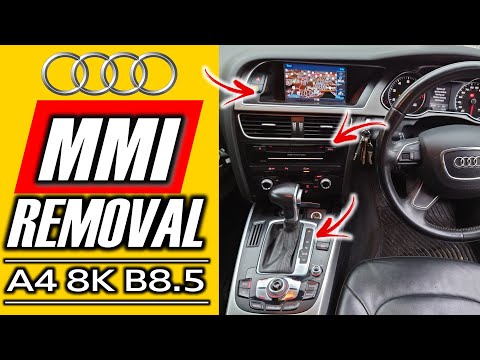
Today's instructions will show you how to disassemble and replace the MMI multimedia system in the Audi A4, following these simple steps. First, open…
Other guides you may be interested in |
How to Open the Fuel Filler Flap in the Hyundai i30?
In this tutorial, you will learn how to open the fuel filler flap in the Hyundai i30, a very simple operation that follows the typical procedure of most vehicles. First, unlock the locks using the designated button on the remote, then open the driver's door, locate the release lever on the left side of the seat, and operate it. Next, move to the fuel filler flap, open it completely, unscrew the cap, and refuel as needed. To close the flap, simply press it gently. by ScegliAuto More videos
|
|
For advertising on this site Write to info@scegliauto.com
ScegliAuto is not responsible for any inaccuracy of the data in the lists. To report any inaccuracy or your business (if you own the business in question), please write to info@scegliauto.com
Number of seconds to generate the page: 0.010
(c) ScegliAuto 2026 - info@scegliauto.com - Privacy policy VAT number: IT01247470535 |
