
|
Do it yourself
| |||
| ||||


Reset Navigation System Audi A3
Model: Audi A3
8V, MK 3
- Years 2012-2019
In this video tutorial, you will learn how to reset the navigation system / onboard computer of an Audi A3, as well as other models from the manufacturer, such as the A4 and TT. First, get inside the vehicle and turn on the ignition; then, access your navigation system and press the two buttons found in the centre console (radio and navigation). This will turn off your onboard computer and perform the reset; then wait until the system is initialized before accessing and using all its functions.
Updated on 24 April 2026 by ScegliAuto
Video tutorial
Related tutorials
Audi A3
(2012-2019 /
8V, MK 3)
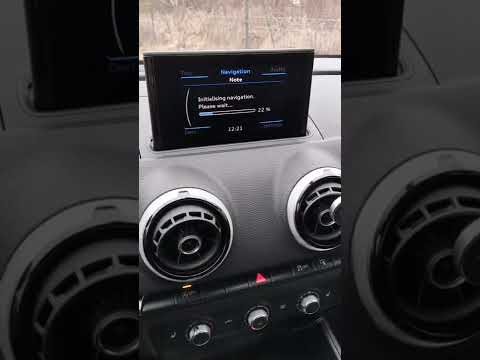
When the navigation system of the Audi A3 freezes irreparably, it is necessary to reset the system. To proceed with the reset, we must press and hold…
Audi A3
(2020-2026 /
8Y, MK 4)
The Audi MMI (Multi Media Interface) system is a useful and effective system: it simplifies audio controls, vehicle settings, and navigation, all und…
Audi A3
(2012-2019 /
8V, MK 3)
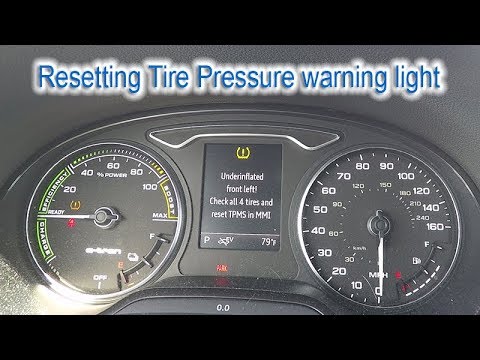
In this very useful video tutorial today, we can see the entire step-by-step procedure to reset the tire pressure on an Audi A3, third series model. …
Other guides you may be interested in
|
How to Replace the Remote Battery for the Volvo XC40?
In this tutorial, you will see how to replace the battery in the remote for the Volvo XC40, a very simple and quick operation. For this, you will need a replacement battery of type CR2032 and possibly a small flathead screwdriver. First, remove the front cover by pressing the button on the metal ring, then locate the second button, press it as well, and remove the opposite cover. Next, open the circular cap, take out the old battery, and insert the new one in the opposite direction. Finally, reassemble everything. by ScegliAuto More videos
|

|
For advertising on this site Write to info@scegliauto.com
ScegliAuto is not responsible for any inaccuracy of the data in the lists. To report any inaccuracy or your business (if you own the business in question), please write to info@scegliauto.com
Number of seconds to generate the page: 0.708
(c) ScegliAuto 2026 - info@scegliauto.com - Privacy policy VAT number: IT01247470535 |
