
|
Do it yourself
| |||
| ||||


How to reset the Audi A1 TPMS warning light
Model: Audi A1
8X, MK 1
- Years 2010-2018
If you have just inflated the tires of your Audi A1 but the warning light continues to appear at every start, do not worry because a manual reset will be enough to solve the problem. All you have to do is read the following instructions carefully and put them into practice. First insert the key and turn on the vehicle ignition. Then press the "Menu" button and the button located at the bottom left of the central knob. Use the latter to scroll down and press it to select the "Servicing and Checks" item. Do the same for the item "Tire pressure monitoring" and, finally, click on "Store tire pressures". Confirm as soon as you are asked and that's it.
Posted on 7 February 2022 by ScegliAuto
Video tutorial
Related tutorials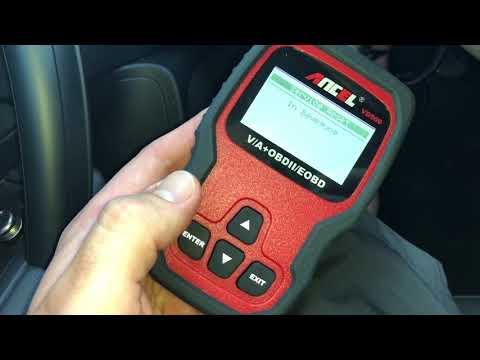
Audi A1
(2010-2018 /
8X, MK 1)
In this video tutorial we will see the procedure that will allow us to reset the service light of the ordinary maintenance of the oil change of the A…
Audi A1
(2010-2018 /
8X, MK 1)
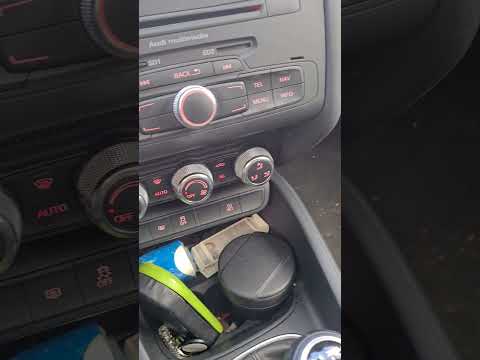
Resetting the TPMS light on an Audi A1 is a very simple operation that can be done independently. When the tire pressure warning light comes on in an…
Audi A1
(2010-2018 /
8X, MK 1)
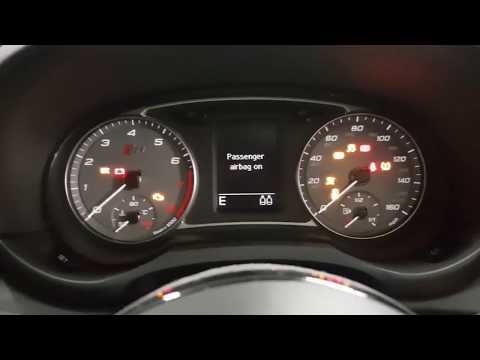
Resetting the tire warning light in the Audi S1 is an extremely simple and fast operation, let's see how to proceed in this tutorial. This procedure …
Other guides you may be interested in
|
How to Replace the Battery on a Volkswagen Polo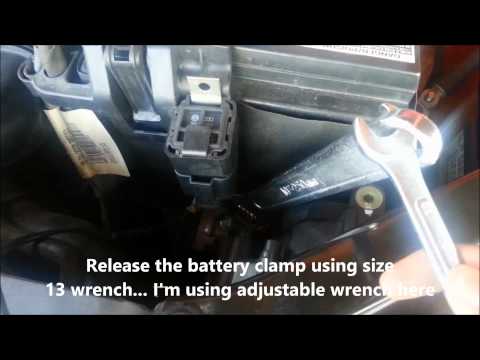
When your vehicle won't start and makes noises similar to electrical contacts, the cause is likely the battery. Release the bonnet using the appropriate lever and lift it to secure it with the prop rod. First, check the condition of your battery, then disconnect the terminals, starting with the negative one. Next, unclip the brackets securing the battery on both sides, then unscrew the bolts on the sides of the battery base to remove the brackets holding it in place. Install the new battery, and you're done! by ScegliAuto More videos
|

|
For advertising on this site Write to info@scegliauto.com
ScegliAuto is not responsible for any inaccuracy of the data in the lists. To report any inaccuracy or your business (if you own the business in question), please write to info@scegliauto.com
Number of seconds to generate the page: 0.098
(c) ScegliAuto 2026 - info@scegliauto.com - Privacy policy VAT number: IT01247470535 |
