
|
Do it yourself
| |||
| ||||


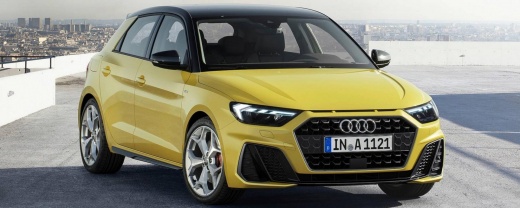
How to Reset the MMI of an Audi A1 Using a Key Combination
Model: Audi A1
MK 2, GB
- Years:
2018, 2019, 2020, 2021, 2022, 2023, 2024, 2025
Video tutorial
Let's see how to reset the MMI system of an Audi A1 using a simple key combination. Press three buttons on the central console simultaneously: the "back" button, the central selection button, and the return button on the right side. By pressing these three buttons at the same time, the screen will turn black and the system will reset automatically. After a few seconds, the screen will turn back on, and at this point, the system will have completed its reset, clearing any errors that may have occurred and necessitated a restart.
Updated on 17 August 2026 by ScegliAuto
Related tutorials
Audi A1
(2018-2025 /
MK 2, GB)
To activate Apple CarPlay on the MMI multimedia system of an Audi A1, start by accessing the "Connected devices" or "Bluetooth" section in the MMI sy…

Audi A1
(2010-2018 /
8X, MK 1)
To reset the MMI system on the central display of the Audi A1, insert the ignition key into the ignition barrel and turn it to switch on the instrume…

Audi A1
(2010-2018 /
8X, MK 1)
In addition to using the OBD port, you can reset the service light on the Audi A1 through the MMI system. To do this, after fully starting the system…
Other guides you may be interested in |
How to Activate the Automatic Folding and Unfolding of the Wing Mirrors on the Jeep Compass
Follow these brief instructions to activate the automatic folding and unfolding of the external wing mirrors on the Jeep Compass. First, get inside the vehicle and turn on the ignition; then press the button located beneath the mirror glass adjustment to electrically open the mirror, as shown in the video. Pressing the button in the opposite direction will close the mirrors; by holding the button, the mirrors will open and close automatically! by ScegliAuto More videos
|
|
For advertising on this site Write to info@scegliauto.com
ScegliAuto is not responsible for any inaccuracy of the data in the lists. To report any inaccuracy or your business (if you own the business in question), please write to info@scegliauto.com
Number of seconds to generate the page: 0.072
(c) ScegliAuto 2026 - info@scegliauto.com - Privacy policy VAT number: IT01247470535 |
