
|
Do it yourself
| |||
| ||||


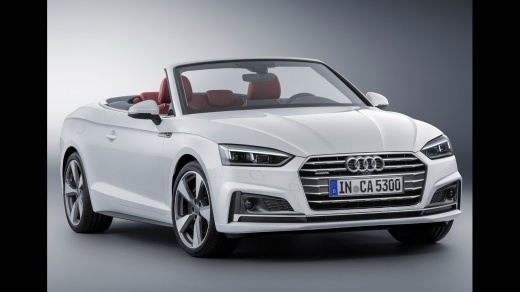
To restart the MMI system on an Audi A5 B9.
Model: Audi A5
8W6
- Years 2018-2025
If the infotainment system MMI of our latest generation Audi A5, model produced from 2018 onwards, experiences one or more malfunctions, we can try to solve the problem by performing a forced restart. In today's tutorial, we will show you how to perform this operation in a few simple steps. First, let's start the car, then press the central knob and simultaneously push forward the "NAV/MAP" and "RADIO" buttons as shown in the video. Finally, wait for about 10/15 seconds for the system to restart.
Posted on 7 October 2023 by ScegliAuto
Video tutorial
Related tutorials
Audi A5
(2007-2016 /
8T3, 8T8, 8F, 8T)
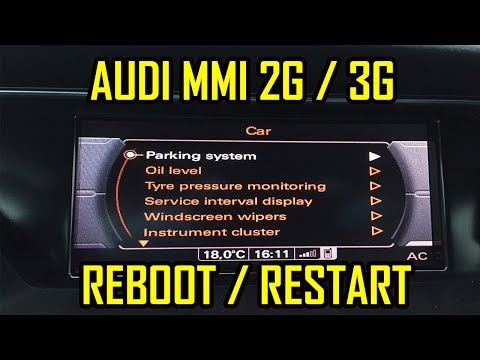
In the event that the MMI system of the Audi A5 shows signs of malfunction, such as continuous blocks or abnormal behavior, we can try to solve the p…
Audi A5
(2007-2016 /
8T3, 8T8, 8F, 8T)
In our Audi A5, it can happen that the MMI multimedia system freezes or shows various signs of malfunction. In these cases, it is possible to try to …

Audi A5
(2007-2016 /
8T3, 8T8, 8F, 8T)
Removing the steering wheel airbag on an Audi A5 follows the same procedure used on Audi models such as the A1, A3, Q3, and Q5. To remove the steerin…
Other guides you may be interested in |
How to Replace the Grille on BMW 3 Series
In this video, learn how to replace the grille located on the front bumper of a BMW 3 Series. Prepare to remove the plastic grille frame on both sides of the bumper using a plastic trim tool. Pry between the frame and the bumper until the clips on the inside release (remove the screws from the top of the bumper for better access). Once the clips are released, remove the grille from the bumper and install a new one. Reinstall the grille into the car's bumper by pressing it until it locks in place. Check the proper installation of the parts. by ScegliAuto More videos
|
|
For advertising on this site Write to info@scegliauto.com
ScegliAuto is not responsible for any inaccuracy of the data in the lists. To report any inaccuracy or your business (if you own the business in question), please write to info@scegliauto.com
Number of seconds to generate the page: 0.053
(c) ScegliAuto 2026 - info@scegliauto.com - Privacy policy VAT number: IT01247470535 |
