
|
Do it yourself
| |||
| ||||


How do you reset the MMI system of the Audi Q5?
Model: Audi Q5
MK 1, 8R
- Years 2008-2017
In order to reset the MMI system of the Audi Q5, you need to insert the ignition key into the slot, so that you can turn on the instrument panel: once it is turned on, you can simultaneously press the NAV/MAP and RADIO buttons located below the central knob. In this way, you can then press the central knob together with these two buttons for a few seconds; this will allow the system to completely restart and you will be able to turn on the central screen, verifying that everything has been reset to the initial settings.
Posted on 11 June 2024 by ScegliAuto
Video tutorial
Related tutorials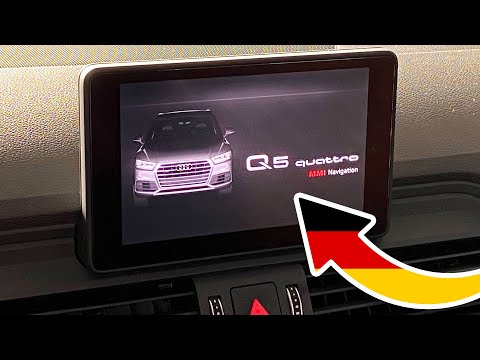
Audi Q5
(2017-2025 /
80A, MK 2)
Thanks to this very short video tutorial, we can see how to force reset the MMI system, i.e. the software that manages the on-board computer, on a se…
Audi Q5
(2008-2017 /
MK 1, 8R)
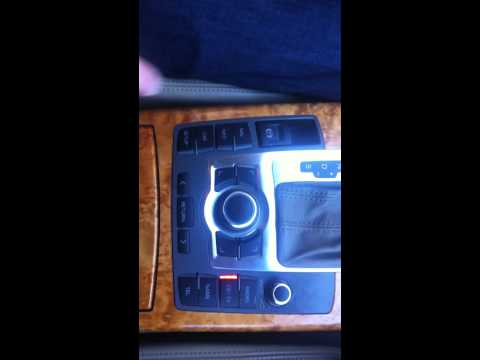
In our Audi Q5, it is possible for the MMI multimedia system to freeze or show signs of malfunction. In these cases, we can try to resolve the issue …
Audi Q5
(2008-2017 /
MK 1, 8R)
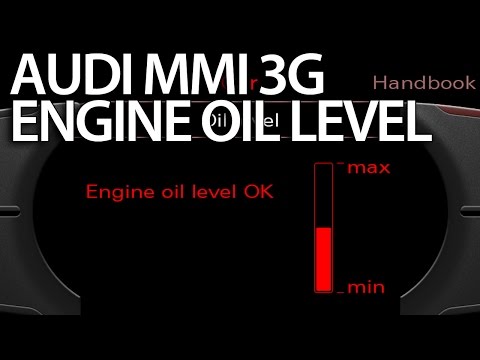
Among the various options of the MMI system available on many Audi and Volkswagen models, you can activate the engine oil level check: press the igni…
Other guides you may be interested in
|
How to Replace the Radio in a Ford Focus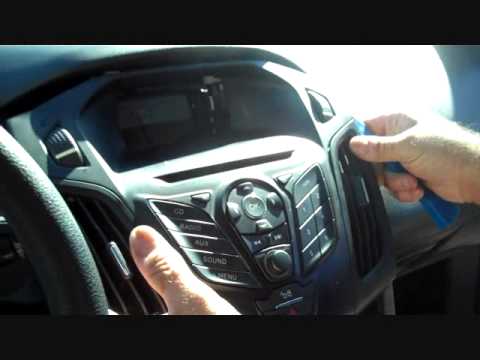
First, engage the handbrake and put the car in a low gear to prevent it from rolling during the replacement. Next, lift the bonnet to disconnect the battery cables and protect the electronic components. Unscrew the two screws located under the front panel of the stereo. Use a plastic lever to lift the bottom of the stereo. Disconnect the connector at the bottom and also remove the stereo lock at the back. Now, install the new stereo following the guides from the old one. by ScegliAuto More videos
|

|
For advertising on this site Write to info@scegliauto.com
ScegliAuto is not responsible for any inaccuracy of the data in the lists. To report any inaccuracy or your business (if you own the business in question), please write to info@scegliauto.com
Number of seconds to generate the page: 0.120
(c) ScegliAuto 2026 - info@scegliauto.com - Privacy policy VAT number: IT01247470535 |
