
|
Do it yourself
| |||
| ||||


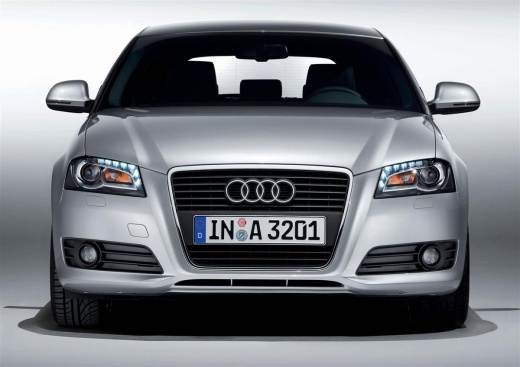
How to Change the Language of the On-Board Computer in an Audi A3?
Model: Audi A3
8P, MK 2
- Years:
2003, 2004, 2005, 2006, 2007, 2008, 2009, 2010, 2011, 2012, 2013
Video tutorial
To change the language of the on-board computer in an Audi A3, turn on the instrument panel by inserting the ignition key into the corresponding slot: once the panel is on, you can navigate by pressing the buttons located at the end of the lever on the right of the steering wheel. When the "SET" option appears, select it, and then you will be able to choose the "Language" option: doing so will display a list of available languages, and you should select the one you desire before turning off the panel.
Updated on 18 October 2026 by ScegliAuto
Related tutorials
Audi A3
(2012-2019 /
8V, MK 3)
To change the language of the Audi A3 on-board computer, insert the ignition key into the ignition switch and turn it to power on the dashboard. Once…

Audi A3
(2003-2013 /
8P, MK 2)
Today, you will learn the steps to change the language on the onboard computer or multifunction menu of the Audi A3 model 8P. To perform the change, …

Audi A3
(2003-2013 /
8P, MK 2)
It will be possible to change the language of the onboard computer of the Audi A3 by turning on the instrument cluster and inserting the ignition key…
Other guides you may be interested in
|
How to Activate the Automatic Folding and Unfolding of the Wing Mirrors on the Jeep Compass
Follow these brief instructions to activate the automatic folding and unfolding of the external wing mirrors on the Jeep Compass. First, get inside the vehicle and turn on the ignition; then press the button located beneath the mirror glass adjustment to electrically open the mirror, as shown in the video. Pressing the button in the opposite direction will close the mirrors; by holding the button, the mirrors will open and close automatically! by ScegliAuto More videos
|
|
For advertising on this site Write to info@scegliauto.com
ScegliAuto is not responsible for any inaccuracy of the data in the lists. To report any inaccuracy or your business (if you own the business in question), please write to info@scegliauto.com
Number of seconds to generate the page: 0.085
(c) ScegliAuto 2026 - info@scegliauto.com - Privacy policy VAT number: IT01247470535 |
