
|
Do it yourself
| |||
| ||||


Model: Bmw S1000r
In this tutorial, you will see how to reset the service on a BMW S1000R, a very simple and quick operation. Before doing this, you must complete all required maintenance tasks and obtain the device shown in the video, which can also be purchased online. Start by connecting this device to the OBD port of the motorcycle, accessible from the battery compartment, then turn on the instrument cluster and interface it with the relevant app installed on your smartphone. At this point, enter the "Functions" menu, select "Service reset", and perform the reset using the appropriate option.
Updated on 16 September 2026 by ScegliAuto
Video tutorial
Related tutorials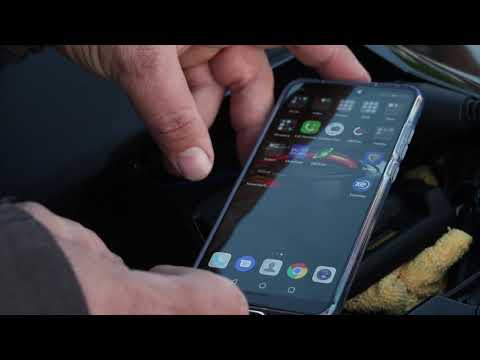
S1000r
.. In this tutorial, you will learn how to reset the service on a BMW S1000R, a very simple and quick operation. To do this, you will need.. …

S1000r
The instructions in this guide will show us how to disassemble and replace the clutch lever of the BMW S1000R, in simple steps. First, we put the mot…
S1000r
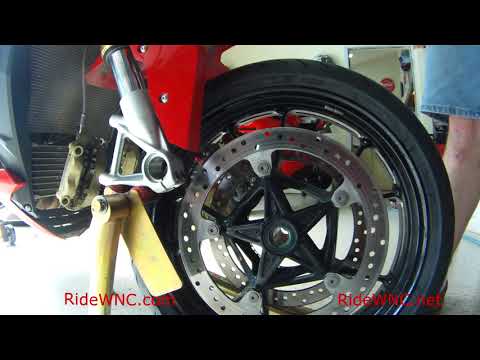
In this brief and simple guide, learn how to remove and replace the front wheel and tyre of the BMW S1000R motorcycle by following the instructions b…
|
Replacing the Rear Light on a Harley Davidson Street Glide
In today's tutorial video, we will see how to remove and replace the rear light on a Harley Davidson Street Glide in simple and quick steps. First, place your bike on a stand and move to the rear; then use a socket and spanner to unscrew and remove the nuts found inside the wheel arch, at the height of the rear light, as shown in the video. At this point, disconnect the electrical connector to remove and replace the light with the new one; then reassemble everything, applying the reverse procedure! by ScegliAuto More videos
|
|
For advertising on this site Write to info@scegliauto.com
ScegliAuto is not responsible for any inaccuracy of the data in the lists. To report any inaccuracy or your business (if you own the business in question), please write to info@scegliauto.com
Number of seconds to generate the page: 0.083
(c) ScegliAuto 2026 - info@scegliauto.com - Privacy policy VAT number: IT01247470535 |
