
|
Do it yourself
| |||
| ||||


How do you reset the tire pressure warning light on the BMW X1?
Model: BMW X1
F48
- Years 2015-2022
To reset the tire pressure warning light of the BMW X1, you will need to inflate the tires to the recommended value: this value will be indicated on the sticker attached to the driver's side door pillar. Once the tires are properly inflated, you can navigate to the menu that appears on the central screen, using the buttons on the center console: you will need to select the "Info" option and then the icon for low pressure. Finally, you can select the "Reset" option to completely remove the warning light from the instrument panel.
Posted on 26 October 2024 by ScegliAuto
Video tutorial
Related tutorials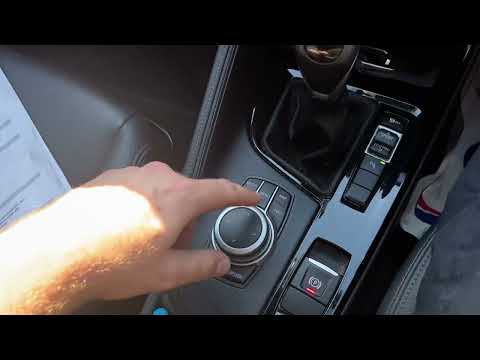
BMW X1
(2015-2022 /
F48)
To reset the tire pressure light on a BMW X1, turn on the ignition to access the menu that will appear on the central display. Select "My vehicle" an…

BMW X1
(2015-2022 /
F48)
Resetting the tire pressure warning light in the BMW X1, as we can see in this tutorial, is an extremely simple and quick operation. Before proceedin…

BMW X1
(2015-2022 /
F48)
In this tutorial we can see how to reset the tire warning light in the BMW X1, an extremely simple and quick operation, to be carried out only once t…
Other guides you may be interested in
|
How to replace the horn on a Renault Duster - Dacia Duster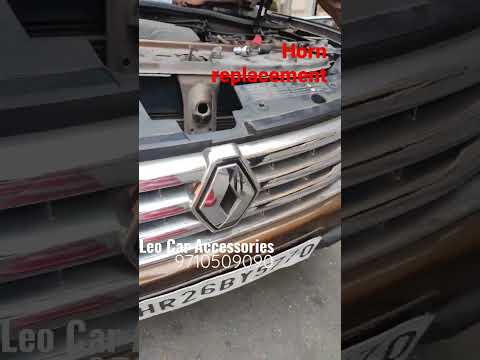
Today's main instructions will show you the procedure for removing and replacing the horn or sound signal on the Renault Duster, as well as the Dacia Duster. First, open the bonnet of the vehicle and start removing the front bumper by unscrewing all the fixing screws; you will find the horn right in front of the radiator, as shown in the video. At this point, disconnect the electrical connector and unscrew the bracket screw to remove and replace the horn with the new one; finally, reassemble the front bumper! by ScegliAuto More videos
|
|
For advertising on this site Write to info@scegliauto.com
ScegliAuto is not responsible for any inaccuracy of the data in the lists. To report any inaccuracy or your business (if you own the business in question), please write to info@scegliauto.com
Number of seconds to generate the page: 0.697
(c) ScegliAuto 2026 - info@scegliauto.com - Privacy policy VAT number: IT01247470535 |
