
|
Do it yourself
| |||
| ||||


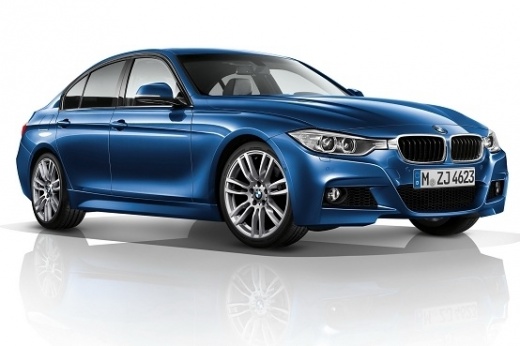
Resetting the brake pads on BMW 3 Series F30
Model: BMW Serie 3
F31, F30
- Years:
2012, 2013, 2014, 2015, 2016, 2017, 2018, 2019
Video tutorial
In this guide, we are shown how to reset the brake pads warning light on a BMW 3 Series F30. Let's start the procedure by turning on the car's ignition, then press and hold the button on the left of the speedometer until the service menu opens. Once done, continue pressing the previous button until you reach the brake pad option with the "reset possible" message, then hold down the left button of the speedometer until the reset request appears, finally release it and hold it down one last time to confirm and perform the reset.
Posted on 12 December 2024 by ScegliAuto
Related tutorials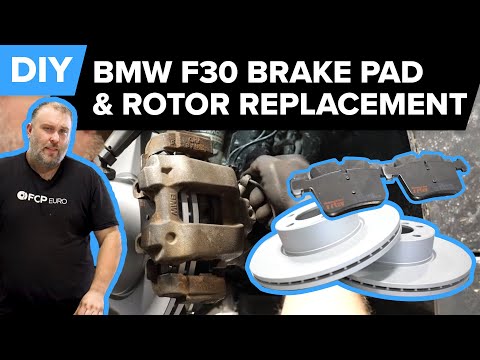
BMW Serie 3
(2012-2019 /
F31, F30)
In today's tutorial video, you will see how to disassemble and replace the front brake discs and pads on a BMW 3 Series F30 and F31, following the in…
BMW Serie 3
(2012-2019 /
F31, F30)
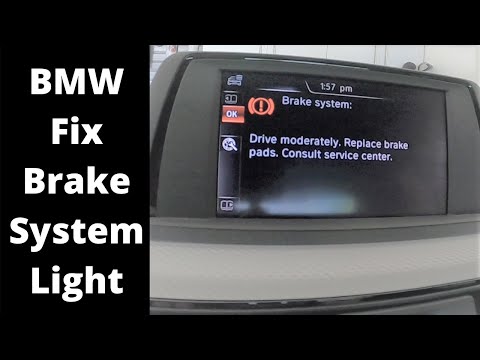
Follow these instructions to reset the brake pad wear warning light on a BMW 3 Series. After replacing the old brake pads, get in the vehicle and tur…
BMW Serie 3
(2012-2019 /
F31, F30)
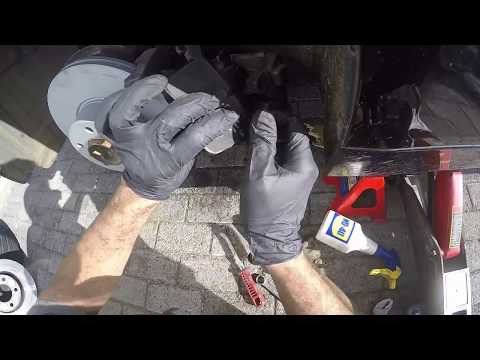
To replace the front brake pads on a BMW 3 Series, first lift the vehicle to remove the wheel. The wheel can be taken off after loosening its mountin…
Other guides you may be interested in |
How to Open the Fuel Flap on a Volkswagen Tiguan?
To open the fuel flap on a Volkswagen Tiguan, first unlock the car using the appropriate button on the remote. This will open the car and unlock the mechanism that controls the fuel flap. At this point, apply light pressure to the left side of the flap to open it and access the cap underneath. Once this is unscrewed, you can refuel and then close everything. by ScegliAuto More videos
|
|
For advertising on this site Write to info@scegliauto.com
ScegliAuto is not responsible for any inaccuracy of the data in the lists. To report any inaccuracy or your business (if you own the business in question), please write to info@scegliauto.com
Number of seconds to generate the page: 0.352
(c) ScegliAuto 2026 - info@scegliauto.com - Privacy policy VAT number: IT01247470535 |
