
|
Do it yourself
| |||
| ||||


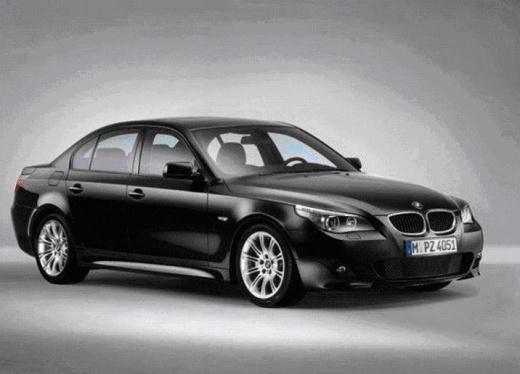
How do you unlock the automatic transmission of the BMW 5 Series?
Model: BMW Serie 5
E60, E61
- Years:
2003, 2004, 2005, 2006, 2007, 2008, 2009, 2010
Video tutorial
It will be possible to unlock the automatic transmission of the BMW 5 Series by removing the selector knob from its housing: once this knob has been removed, it will be possible to use an object to pry off the leather cover that surrounds the selector. In this way, access to the underlying components will be possible and the lever to the right of the selector must be moved: by doing so, it will be noticed that the automatic transmission selector will be unlocked and it will be possible to move it to any desired position.
Posted on 28 May 2025 by ScegliAuto
Related tutorials
BMW Serie 5
(2010-2017 /
F11, F10)
This guide shows how to unlock the automatic transmission of the BMW 5 Series F11 for towing. For this operation, safely lift the front of the vehicl…
BMW Serie 5
(2010-2017 /
F11, F10)
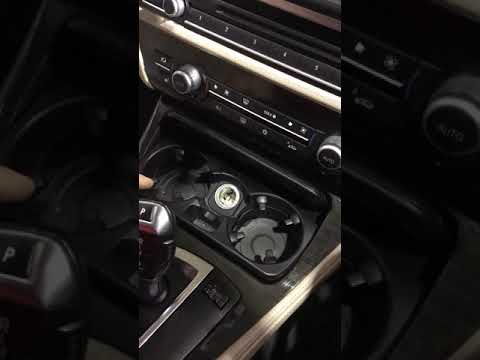
To unlock the automatic transmission of the BMW 5 Series, remove the screws that secure the glove compartment located directly in front of the gear s…
BMW Serie 5
(2003-2010 /
E60, E61)
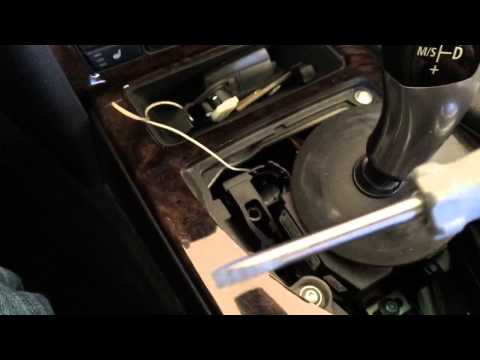
To unlock the automatic transmission of the BMW 5 Series, use an object to pry off the leather cover of the gear shift. Once this cover is removed, y…
Other guides you may be interested in
|
How to Reset the Tyre Pressure Warning Light on a Peugeot 2008?
On the instrument cluster of the Peugeot 2008, the tyre pressure warning light that appears can be reset by turning on the ignition, allowing access to the menu that will appear on the central display: press the button with the car icon located just below the display. At this point, scroll through the screen that appears, selecting the option that allows you to reset the tyre warning light: selecting it will bring up a confirmation message, where you can select "Yes" to completely reset the low pressure warning light. by ScegliAuto More videos
|
|
For advertising on this site Write to info@scegliauto.com
ScegliAuto is not responsible for any inaccuracy of the data in the lists. To report any inaccuracy or your business (if you own the business in question), please write to info@scegliauto.com
Number of seconds to generate the page: 0.024
(c) ScegliAuto 2026 - info@scegliauto.com - Privacy policy VAT number: IT01247470535 |
