
|
Do it yourself
| |||
| ||||



How to Change the Key Battery for a BMW 3 Series
Model: BMW Serie 3
F30, F31
- Years:
2012, 2013, 2014, 2015, 2016, 2017, 2018, 2019
Video tutorial
Learn how to replace the battery in your BMW 3 Series key when it runs low. For this operation, you will need a flathead screwdriver. First, remove the emergency key by pressing the button on the side and pulling the key out. Once the emergency key is removed, insert the screwdriver into the designated slot next to the key insert, then apply pressure to lift the cover and remove it. Once the cover is off, you will have access to the battery, so use the screwdriver to remove and replace it. After replacing the battery, close the key by pressing the cover back on and then reinsert the emergency key into its slot.
Posted on 7 October 2026 by ScegliAuto
Related tutorials
BMW Serie 3
(2019-2026 /
G20)
In this video, we will see how to change the battery and the key shell on the BMW Series 3 and Series 5: we remove the emergency key from the shell w…
BMW Serie 3
(1998-2006 /
E46)
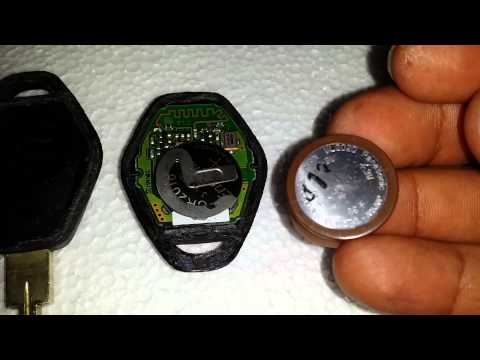
Change the battery in the key fob? Disassemble the BMW key. Take your key fob and use a screwdriver to pry between the two parts of the plastic key c…
BMW Serie 3
(2005-2013 /
E91, E92, E90)
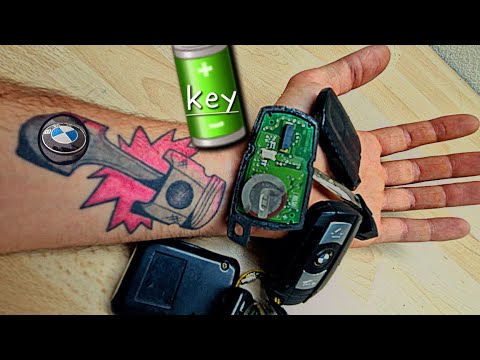
To change the battery in a BMW E91 key fob: Start by removing the key blade by pressing the appropriate button. Insert a thin tool into the joint of …
Other guides you may be interested in
|
How to Set the Time on a Toyota Yaris Cross
Setting the time on a Toyota Yaris Cross is a very simple operation that can be done independently. The first step is to turn on the instrument panel. The second step is to access the settings menu using the joystick on the steering wheel. Once in the menu, select the "Clock" option. The third step is to press and hold this option and set the hour and minutes you desire using the arrow buttons. Finally, return to the main menu and turn off the instrument panel. Turn the panel back on to check that the new time has been set successfully. by ScegliAuto More videos
|
|
For advertising on this site Write to info@scegliauto.com
ScegliAuto is not responsible for any inaccuracy of the data in the lists. To report any inaccuracy or your business (if you own the business in question), please write to info@scegliauto.com
Number of seconds to generate the page: 0.336
(c) ScegliAuto 2026 - info@scegliauto.com - Privacy policy VAT number: IT01247470535 |
