
|
Do it yourself
| |||
| ||||


Video tutorial
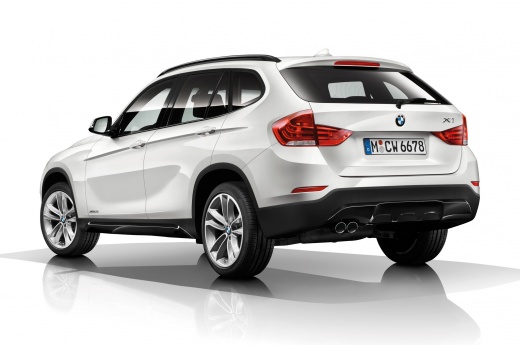
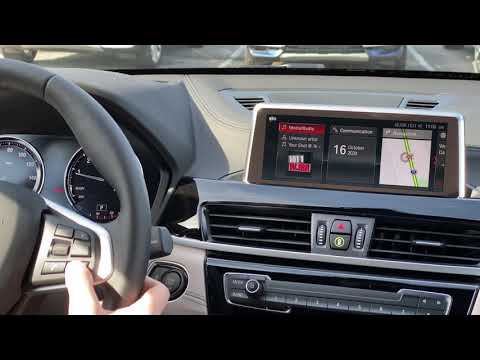
Today's steps will show you how to adjust the date and time on the BMW X1, following the instructions below. First, get inside the vehicle and turn on the ignition; then use the central knob to navigate to the menu settings and select the date and time option, as shown in the video. Now set the date and its format, then set the time by first adjusting the hour and then the minutes; exit the settings menu to save the changes made, following the video tutorial until the end!
Updated on 13 October 2026 by ScegliAuto
Related tutorials
BMW X1
(2015-2022 /
F48)
In this guide, you will learn how to correctly set the date and time on the BMW X1. First, get in the vehicle and turn on the instrument cluster; the…

BMW X1
(2009-2015 /
E84)
In this tutorial, you can see how to set the time in the BMW X1, a very simple and quick operation, for example, after the time change or after repla…
BMW X1
(2015-2022 /
F48)
Follow these steps to adjust the time and date on the BMW X1. First, get in the cabin and turn on the instrument cluster by pressing the ignition but…
Other guides you may be interested in |
How to lower the rear seats in the Peugeot 206?
In this tutorial, you will see how to lower the rear seats in the Peugeot 206, a very simple and quick operation, for example, if you need more space in the boot. First, open both the doors and the tailgate, then unclip the seat base and position it vertically. Next, remove the horizontal partition, locate the release levers at the ends of both seatbacks, and, by operating them, lower the seatbacks. To reassemble everything, simply follow the reverse procedure. by ScegliAuto More videos
|
|
For advertising on this site Write to info@scegliauto.com
ScegliAuto is not responsible for any inaccuracy of the data in the lists. To report any inaccuracy or your business (if you own the business in question), please write to info@scegliauto.com
Number of seconds to generate the page: 0.054
(c) ScegliAuto 2026 - info@scegliauto.com - Privacy policy VAT number: IT01247470535 |
