
|
Do it yourself
| |||
| ||||


How to Reset the Oil Light on a Buick Regal
Model: Buick Regal
MK 5
- Years 2009-2017
In this new guide dedicated to the Buick Regal Mk5, discover how to manually reset the engine oil light without using a diagnostic tool. First, insert the key and turn on the instrument cluster. Next, press the "Set/CLR" button located at the end of the left steering lever and navigate through the onboard computer menu using the knob located immediately to the right of the button. Once you see the "Trip 1" option, press the "Menu" button multiple times until you find the "Remaining Oil Life" option. Finally, hold down the "Set/CLR" button until the reset is complete, and you're done.
Updated on 17 July 2026 by ScegliAuto
This video is currently unavailable
Related tutorials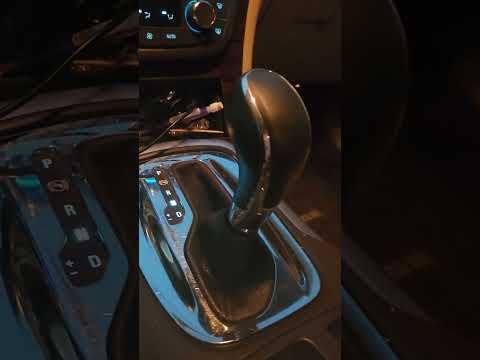
Buick Regal
(2009-2017 /
MK 5)
To replace the shift knob on a Buick Regal, use a tool to pry up the trim around the shift lever. Once this is lifted, fully remove the shift boot to…

Buick Regal
(2009-2017 /
MK 5)
In this guide for your Buick Regal (2009-2017), you will learn all the steps necessary to independently and correctly replace the cabin air filter. F…

Buick Regal
(2009-2017 /
MK 5)
Today, let's go through the instructions to program the remote key for the Buick Regal. First, get inside the vehicle and remove the rubber cover fro…
Other guides you may be interested in
|
How to Adjust the Brightness of the Instrument Cluster on a Peugeot 3008?
To adjust the brightness of the instrument cluster on a Peugeot 3008, you need to turn on the ignition and access the settings via the menu located in the central area of the dashboard. In the screen that appears, select the "Display Configuration" option: now, by selecting the "Brightness" option, you can adjust it using the dedicated slider that will appear on the screen. The adjustment should be made with the headlights on as well as with them off. Once the adjustment is complete, you can turn off the instrument cluster. by ScegliAuto More videos
|
|
For advertising on this site Write to info@scegliauto.com
ScegliAuto is not responsible for any inaccuracy of the data in the lists. To report any inaccuracy or your business (if you own the business in question), please write to info@scegliauto.com
Number of seconds to generate the page: 0.322
(c) ScegliAuto 2026 - info@scegliauto.com - Privacy policy VAT number: IT01247470535 |
