
|
Do it yourself
| |||
| ||||


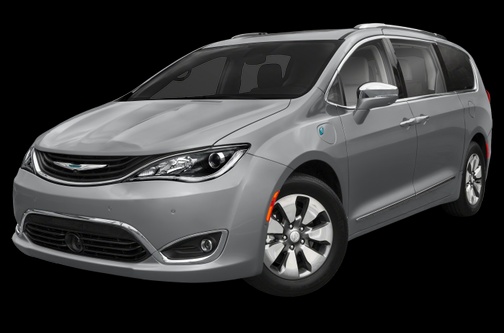
How to Replace the Key Fob Battery for the New Chrysler Pacifica
Model: Chrysler Pacifica
MK 1
- Years:
2017, 2018, 2019, 2020, 2021, 2022, 2023, 2024
Video tutorial
In this guide for all you owners of the new Chrysler Pacifica, discover how to replace the button battery inside the car's smart key fob. First, make sure you have a flathead screwdriver and a new CR2032 battery. Next, remove the physical emergency key by pulling it out, and use the flathead screwdriver to remove the back cover. At this point, locate the dead battery and replace it with the new one. Finally, reattach the back cover, and you're done.
Updated on 1 July 2026 by ScegliAuto
Related tutorials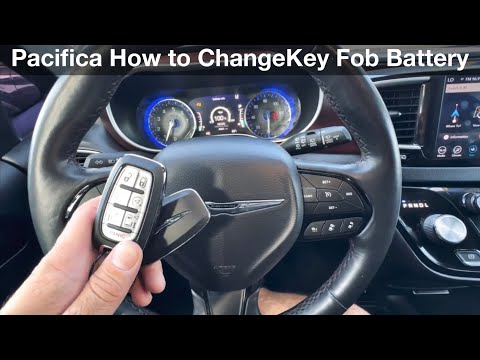
Chrysler Pacifica
(2017-2024 /
MK 1)
After several months of use, your Chrysler Pacifica key fob may suddenly stop working due to a completely dead battery. Below, you will learn how to …

Chrysler Pacifica
(2017-2024 /
MK 1)
If your Chrysler Pacifica key is no longer working due to a completely dead battery, read the following guide carefully and follow the steps one by o…
Chrysler Pacifica
(2017-2024 /
MK 1)
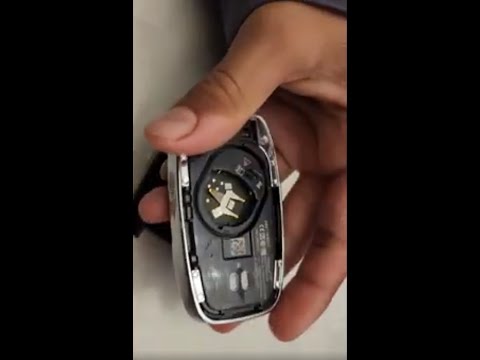
If you have a 2017 Chrysler Pacifica and want to learn how to properly replace the button battery in the key fob, read this guide carefully and follo…
Other guides you may be interested in
|
How to Remove the Toll Tag Holder from the Car Windscreen
The toll tag holder is usually attached to the car windscreen to ensure that the toll tag functions immediately when passing through barriers. However, if you decide to remove the holder, you should follow this procedure: - Insert the toll tag into the holder; - Pull the holder inwards to detach it from the windscreen; you can use a glass scraper or a stiff plastic card to assist you; After removing the holder, it is essential to remove the adhesive from the windscreen. To remove the adhesive, we recommend using a solvent-based spray that will remove the glue without clouding the area. by ScegliAuto More videos
|
|
For advertising on this site Write to info@scegliauto.com
ScegliAuto is not responsible for any inaccuracy of the data in the lists. To report any inaccuracy or your business (if you own the business in question), please write to info@scegliauto.com
Number of seconds to generate the page: 0.096
(c) ScegliAuto 2026 - info@scegliauto.com - Privacy policy VAT number: IT01247470535 |
