
|
Do it yourself
| |||
| ||||


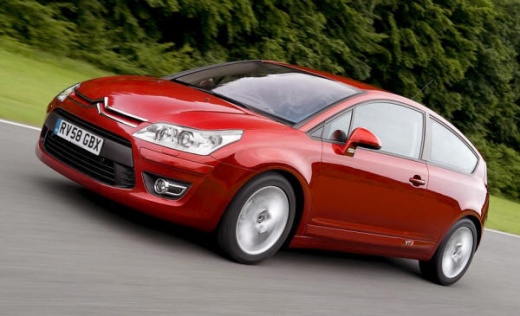
How to Replace the Thermostat on a Citroen C4
Model: Citroen C4
MK 1
- Years:
2004, 2005, 2006, 2007, 2008, 2009, 2010
Video tutorial
Before you can start, open the bonnet of your Citroen C4. First, unclip and remove the upper engine cover. Once done, unscrew the bolts and screws that secure the air filter assembly, then remove the air filter assembly along with the associated hoses. This will give you access to the car's thermostat. Next, disconnect the hoses connected to the thermostat by loosening the respective metal clips. Once you have completed this step, remove the temperature sensor by simply unclipping it. After removing the sensor, unscrew and remove the bolts of the thermostat, then take out the thermostat itself, and you will have finished the disassembly. To fit the new thermostat and close everything up, simply repeat these steps in reverse, and you will have completed the replacement.
Updated on 2 April 2026 by ScegliAuto
Related tutorials
Citroen C4
(2004-2010 /
MK 1)
Remove the front cover bonnet and uncover the engine from its soundproofing panel. Locate the thermostat securing screws. Unscrew the bolts on either…

Citroen C4
(2004-2010 /
MK 1)
To replace the thermostat on a Citroën C4, open the bonnet to access the components located inside the engine bay: on the right side, you will find t…

Citroen C4
(2010-2018 /
MK 2)
Removing the thermostat on a Citroen C4? Remove the thermostat from inside the engine bay if damaged. Open and lift the front bonnet. Remove the engi…
Other guides you may be interested in
|
Frequently Asked QuestionsHow to Disable the Passenger Airbag in a Mercedes A-Class?
You can disable the passenger airbag in the specified vehicle at your own risk using the vehicle's key. There is a switch next to the steering wheel, on the driver's side, at knee height, through which you can activate and deactivate the airbag. In the video provided, you can clearly see the procedure, noting how the airbag indicator light, along with a message, alerts the driver about the activation or deactivation status. by ScegliAuto More videos
|
|
For advertising on this site Write to info@scegliauto.com
ScegliAuto is not responsible for any inaccuracy of the data in the lists. To report any inaccuracy or your business (if you own the business in question), please write to info@scegliauto.com
Number of seconds to generate the page: 0.066
(c) ScegliAuto 2026 - info@scegliauto.com - Privacy policy VAT number: IT01247470535 |
