
|
Do it yourself
| |||
| ||||


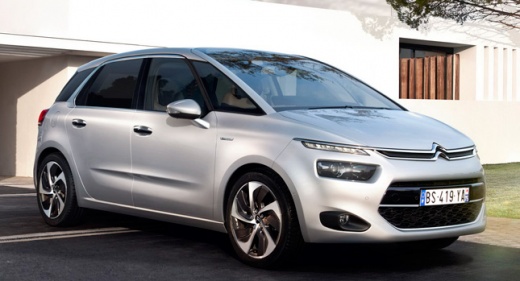
Infotainment Guide for Citroen C4 Picasso
Model: Citroen C4 Picasso
MK 2
- Years:
2013, 2014, 2015, 2016, 2017, 2018, 2019, 2020, 2021, 2022
Video tutorial
In today's video tutorial, discover some information about the high-tech infotainment system of the Citroen C4 Picasso. Once inside the car, you will notice the large display alongside the speedometer; by pressing the power button of the computer, you can access many functions, such as the radio, USB with the ability to insert up to two flash drives at once, the jukebox, photos stored on the flash drive, and various files. Additionally, you can access park assist, adjusting the various driving aids, and automatic parking is also available by selecting it from the menu; associated with all this are maps and some online services!
Updated on 4 April 2026 by ScegliAuto
Related tutorials
Citroen C4 Picasso
(2013-2022 /
MK 2)
This brief guide outlines the steps to remove and replace the front headlight bulb of the Citroen C4 Picasso. First, open the bonnet of the vehicle a…
Citroen C4 Picasso
(2006-2013 /
MK 1)
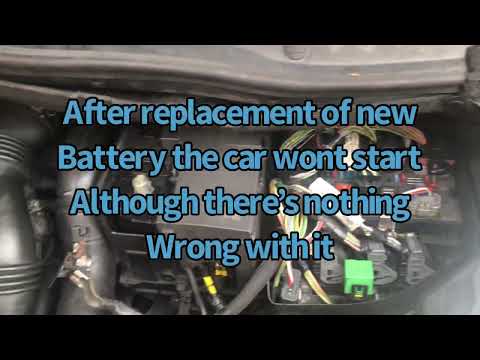
Today's guide will show you the main steps on how to remove and replace the battery on a Citroen C4 Grand Picasso and C4 Picasso. First, open the bon…
Citroen C4 Picasso
(2006-2013 /
MK 1)
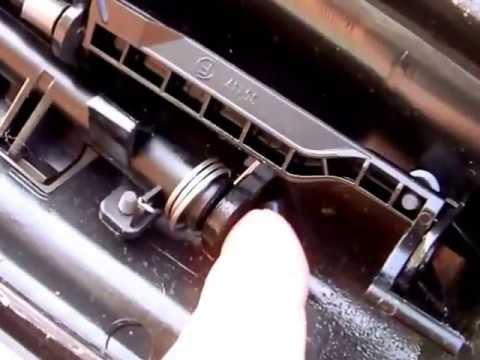
In this short and simple guide, you will see the main steps to repair the glove compartment of the Citroen C4 Grand Picasso, as well as the C4 Picass…
Other guides you may be interested in |
How to reset the tyre pressure warning light on the Kia Niro EV?
To reset the tyre pressure warning light on the Kia Niro EV, inflate the tyres until they reach the correct pressure value. This value is indicated on the sticker attached to the driver's door pillar. Once the tyres are inflated, turn on the instrument cluster to check that the warning light has completely disappeared from the display. If it is still present, you may need to drive for a few miles to ensure it disappears completely from the screen. by ScegliAuto More videos
|
|
For advertising on this site Write to info@scegliauto.com
ScegliAuto is not responsible for any inaccuracy of the data in the lists. To report any inaccuracy or your business (if you own the business in question), please write to info@scegliauto.com
Number of seconds to generate the page: 0.008
(c) ScegliAuto 2026 - info@scegliauto.com - Privacy policy VAT number: IT01247470535 |
