
|
Do it yourself
| |||
| ||||


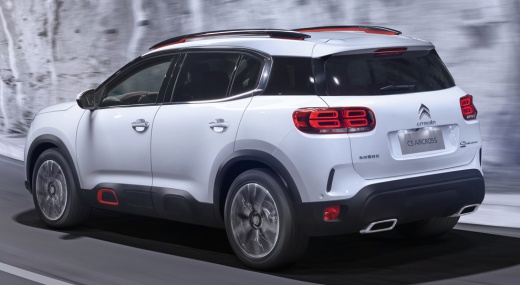
How to Make the Most of the Citroen C5 Infotainment System
Model: Citroen C5 Aircross
MK 1
- Years:
2017, 2018, 2019, 2020, 2021, 2022
This video is currently unavailable
In this video, learn how to make the most of the infotainment system in the Citroen C5 Aircross: switch on the ignition and start with a basic setting, that of saving radio stations. If you are listening to a station you like, select one of the available squares and hold it down to save it. To select the sound source, click on options/audio settings (where you can adjust treble and bass and choose the sound source). Next, check the navigation system, which can also be used with voice commands. If you click on the options in the bottom right, you can decide what to display, including your points of interest. This service works when your smartphone is connected. If you want to discuss vehicle settings, you can decide when and if to activate certain features. You can then connect your device via Bluetooth and turn the car into a hotspot by activating the Wi-Fi connection, allowing all passengers to use your network. There is also the customisation of the driver display: with the button next to the voice command, you can customise the display according to various selectable types. Further customisation is possible from the multimedia screen.
Updated on 7 October 2026 by ScegliAuto
Related tutorials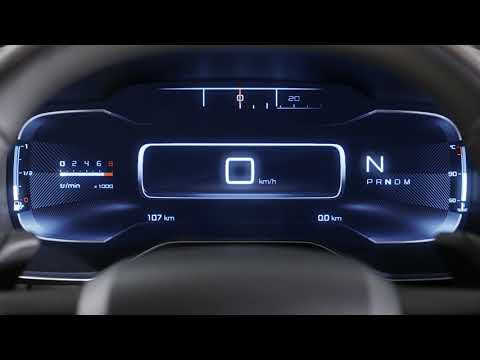
Citroen C5 Aircross
(2017-2022 /
MK 1)
This mini guide explains how to correctly top up AdBlue in your new Citroen C5 Aircross. AdBlue is a special industrial liquid designed to optimally …
Citroen C5 Aircross
(2017-2022 /
MK 1)
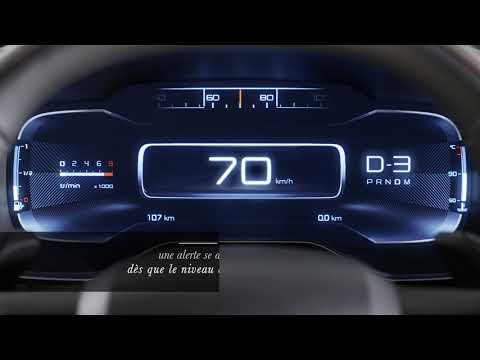
Today's guide will show you how to top up the AdBlue fluid and reset the warning light on the Citroen C5 Aircross. First, open the fuel flap and pour…

Citroen C5 Aircross
(2022-2026 /
MK 2)
In this video we can see how the infotainment and digital dashboard of the New Citroen C5 Aircross work: the central system has an 8" screen with con…
Other guides you may be interested in |
How to Remove the Rear Seat of a Hyundai Tucson?
To remove the rear seat of a Hyundai Tucson, follow these steps. Start by moving the front seats to their most forward position to gain space. Next, locate the release lever on the underside of the rear seat, near the floor. Press this lever down while pulling the seat upwards to unlock it from the anchor pins. Once unlocked, tilt the seat upwards and forwards to remove it from its position. Repeat this process for both sides of the rear seat. Be careful of any electrical cables or components that may be connected to the seat during removal. Once the rear seat is removed, the disassembly is complete. by ScegliAuto More videos
|
|
For advertising on this site Write to info@scegliauto.com
ScegliAuto is not responsible for any inaccuracy of the data in the lists. To report any inaccuracy or your business (if you own the business in question), please write to info@scegliauto.com
Number of seconds to generate the page: 0.008
(c) ScegliAuto 2026 - info@scegliauto.com - Privacy policy VAT number: IT01247470535 |
