
|
Do it yourself
| |||
| ||||


How to Install Dynamic Side Indicators on a Dacia Duster
Model: Dacia Duster
HM, MK 2
- Years 2017-2024
Learn how to install dynamic side indicators on the Dacia Duster. This accessory can be found on AliExpress with the code 1005003378216430 for £3.38 per lot (+ £4.96 for shipping), but be warned that delivery may take some time. Use a plastic spatula to remove the existing lens (just pry it off and it will come out easily), disconnect the electrical connector, and the bulb will come out, which you should remove. Take the new indicator, ensuring the polarity is correct. Reinsert it into its hole, as it is just a push fit, and proceed in the same way on the other side. You are now ready to enjoy the effect.
Updated on 1 July 2026 by ScegliAuto
Video tutorial
Related tutorials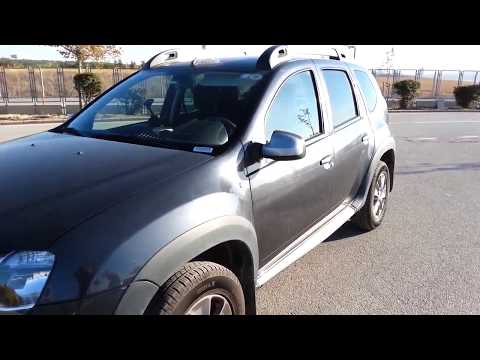
Dacia Duster
(2010-2017 /
HS, MK 1)
Before you start, sit in the driver's seat of your Dacia Duster. Begin by starting the engine, turning the key in the ignition. Next, press and hold …
Dacia Duster
(2017-2024 /
HM, MK 2)
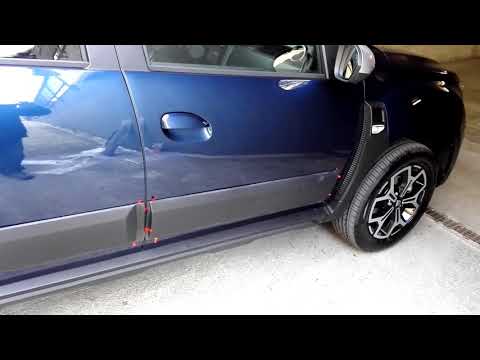
An essential accessory for the Dacia Duster is the side mouldings, leading the YouTuber to question why Dacia did not include them as standard. The a…
Dacia Duster
(2010-2017 /
HS, MK 1)
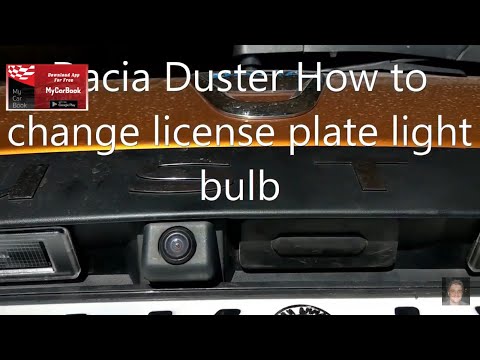
Before starting, exit the cabin of your Dacia Duster and head to the tailgate. Begin by disengaging and removing the number plate light housing. Next…
Other guides you may be interested in |
How to Open a Stuck Boot on the Peugeot 407?
On the Peugeot 407, the boot may become stuck, possibly due to a problem with the control button or the lock actuator. In such cases, you can perform an emergency opening by following the simple procedure shown in this tutorial. First, open the rear doors, then lower the seat back by operating the release lever. Next, go inside the boot, locate the lock, and manually operate it using a flathead screwdriver. The boot will then be free to open. by ScegliAuto More videos
|
|
For advertising on this site Write to info@scegliauto.com
ScegliAuto is not responsible for any inaccuracy of the data in the lists. To report any inaccuracy or your business (if you own the business in question), please write to info@scegliauto.com
Number of seconds to generate the page: 0.086
(c) ScegliAuto 2026 - info@scegliauto.com - Privacy policy VAT number: IT01247470535 |
