
|
Do it yourself
| |||
| ||||


Replacing Front Discs and Pads
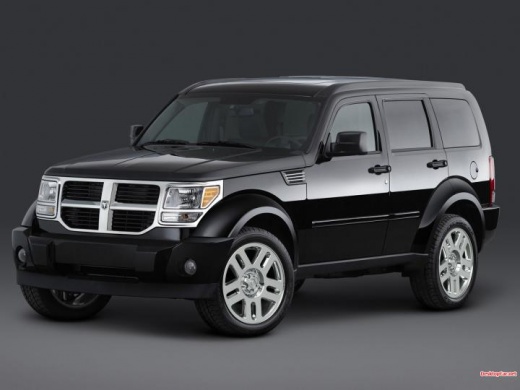
Model: Dodge Nitro
MK 1
- Years 2006-2011
Once the vehicle is raised on the ramp, remove the front wheel and the caliper mounting bolts. Before removing the caliper, lever between the caliper and pads to retract the piston and facilitate caliper removal. Then, extract the worn pads and detach the caliper bracket to remove the disc. Fit the new disc and reattach the caliper bracket, insert the new pads, reposition the caliper, and tighten the mounting bolts. Pump the brake pedal until it provides the correct resistance, and pay attention during the initial braking.
Updated on 12 February 2026 by ScegliAuto
Video tutorial
Related tutorials
Dodge Nitro
(2006-2011 /
MK 1)
The following guide shows how to replace the brake discs without needing to take the car to a mechanic. First, remove the wheel and lift the car with…
Dodge Nitro
(2006-2011 /
MK 1)
In this video tutorial we can see how to reset the oil change in a Dodge Nitro, following a few simple steps: the first thing to do is vehicle mainte…
Dodge Nitro
(2006-2011 /
MK 1)
To replace the engine oil, unscrew the drain plug located under the oil sump after positioning a container to collect the oil; once the draining is c…
Other guides you may be interested in
|
How to Reset Service Light on Fiat 500L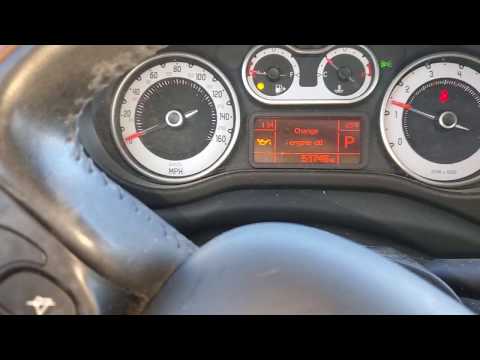
How to remove the service light on a Fiat 500L? Let's see how to do it. Enter the vehicle and turn on the instrument panel. Press the accelerator pedal six times in a row, then release the pedal. Turn off the instrument panel and remove the key from the ignition. Reinsert the key and turn on the instrument panel, then wait for it to illuminate. Check the changes made to the car and see if the light has disappeared. Always remember to carry out onboard computer modifications with the engine off. Perform the reset safely. by ScegliAuto More videos
|
|
For advertising on this site Write to info@scegliauto.com
ScegliAuto is not responsible for any inaccuracy of the data in the lists. To report any inaccuracy or your business (if you own the business in question), please write to info@scegliauto.com
Number of seconds to generate the page: 0.049
(c) ScegliAuto 2026 - info@scegliauto.com - Privacy policy VAT number: IT01247470535 |
