
|
Do it yourself
| |||
| ||||


|
Model: Enfield Himalayan
In this tutorial we can see how to adjust the time on the Royal Enfield Himalayan, an extremely simple and quick operation, to be carried out for example after the switch to daylight saving time or after disconnecting the battery. First of all, insert the key, then turn on the instrument panel and press both the "MODE" button and the "SELECT" button for about three seconds. Then adjust the time with the "SELECT" button, hold it down for another three seconds to switch to the minutes and, in the same way, adjust them. To save the setting, just wait about twenty seconds.
Posted on 29 October 2025 by ScegliAuto
Video tutorial
Related tutorials
Himalayan
.. In this tutorial, we can see how to adjust the time on the Royal Enfield Himalayan 450, an extremely simple and quick operation to.. …
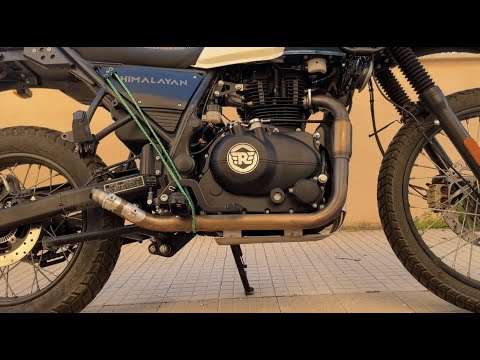
Himalayan
In order to replace the exhaust of the Royal Enfield Himalayan, you need to loosen the screws that secure the exhaust terminal to its housing, locate…

Himalayan
In order to replace the windshield of the Royal Enfield Himalayan, you will need to loosen all the screws that hold it in place: these screws will be…
|
How to Reset the Oil Service on the Yamaha YZF-R25?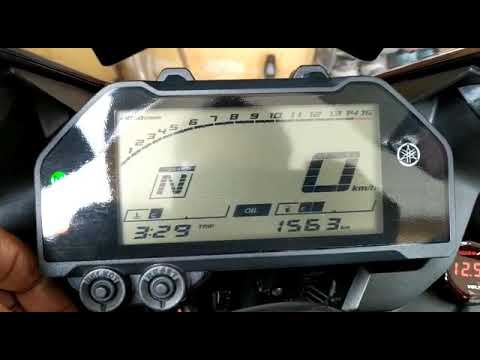
In this tutorial, see how to reset the oil service on the Yamaha YZF-R25, a very simple and quick operation. Before proceeding, ensure that all required scheduled maintenance tasks are completed. Start by inserting the key and turning on the instrument panel; it is not necessary to start the engine. Then, by repeatedly pressing the left button on the dashboard, navigate to the mileage interval labelled "OIL". Once done, press and hold the right button for about 5 seconds, or for the time necessary to reset the interval correctly. by ScegliAuto More videos
|
|
For advertising on this site Write to info@scegliauto.com
ScegliAuto is not responsible for any inaccuracy of the data in the lists. To report any inaccuracy or your business (if you own the business in question), please write to info@scegliauto.com
Number of seconds to generate the page: 0.006
(c) ScegliAuto 2026 - info@scegliauto.com - Privacy policy VAT number: IT01247470535 |
