
|
Do it yourself
| |||
| ||||


Model: Enfield Bullet Trials
Insert the key into the lock located under the battery protection cover and remove the cover. Unscrew and then disconnect the positive terminal (red) using a crosshead screwdriver, then repeat for the negative terminal (black). Unclip the straps that secure the battery in place and finally, remove it. As you can see, this is a very simple operation. At this point, you can insert the new battery, secure it with the straps, and connect the two terminals, tightening them with the crosshead screwdriver. Reattach the protection cover and check that it works.
Updated on 8 April 2026 by ScegliAuto
This video is currently unavailable
Related tutorials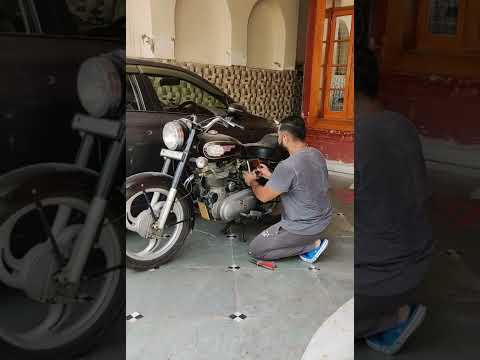
Bullet 350
Let's find out today the main steps that will allow us to disassemble and replace the battery of the Royal Enfield Bullet 350 motorcycle. First, we p…
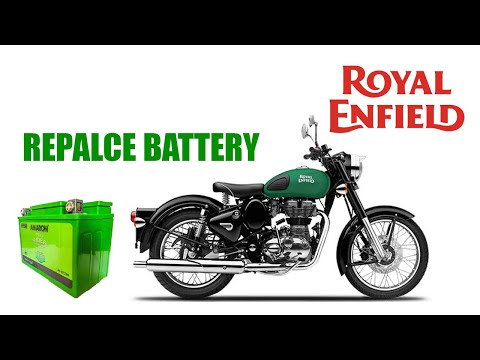
Bullet 500
In today's video we will see how to disassemble and replace the battery of the Royal Enfield Bullet 500, but also of the 350, following these simple …
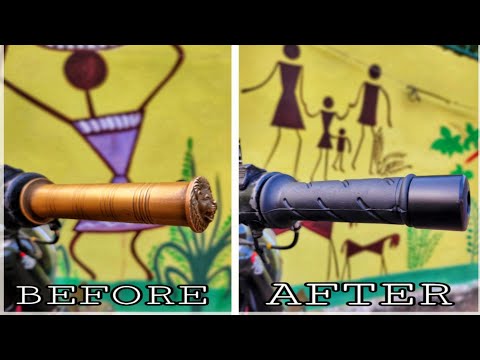
Bullet 350
In order to replace the handles of the Royal Enfield Bullet, you need to loosen the central nut that secures the counterweight to the end of the hand…
|
Replacing Brake Fluid on Aprilia RS 125
As always, secure your Aprilia RS 125 in a stable and safe position to work on it, ensuring the operator's safety as much as possible. It is advisable to take this precaution every time you perform maintenance on any motorcycle. Now, connect a suitably sized hose to the bleed valve (located on the brake system component at the front wheel). The other end of the hose should drain into a container you have prepared in advance. At this point, pump the old fluid out of the brake circuit into the container by repeatedly squeezing the brake lever. Be careful not to allow air to remain in the circuit by closing the valve before expelling all the fluid. Finally, after closing the valve, simply introduce the new fluid into the circuit. And that's it! by ScegliAuto More videos
|
|
For advertising on this site Write to info@scegliauto.com
ScegliAuto is not responsible for any inaccuracy of the data in the lists. To report any inaccuracy or your business (if you own the business in question), please write to info@scegliauto.com
Number of seconds to generate the page: 0.007
(c) ScegliAuto 2026 - info@scegliauto.com - Privacy policy VAT number: IT01247470535 |
