
|
Do it yourself
| |||
| ||||


Fiat 600 - Video guides Fiat 600 (1955-1969 / MK 1)
Changing Tyres on a Classic Fiat 600 We need to make a note: the original Fiat 600 fitted either 155/70/R12 or 145 R12 tyres (depending on the year), while the YouTuber is fitting 155/65 R13, …Read all… Posted on 1 June 2026 by ScegliAuto  Fiat 600 (1955-1969 / MK 1)
How to Remove the Steering Wheel from a Fiat 600? To remove the steering wheel from a Fiat 600, use a screwdriver to pry off the circular cover located at the centre of the wheel. Once this cover is removed, …Read all… Posted on 10 September 2026 by ScegliAuto 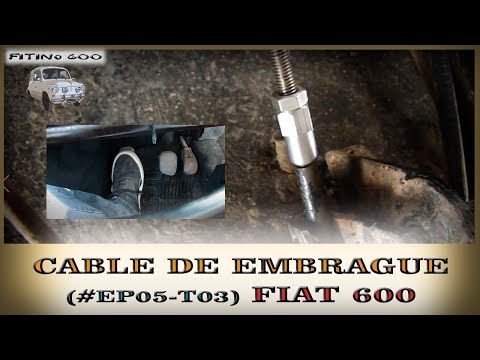 Fiat 600 (1955-1969 / MK 1)
How to Replace the Clutch Cable on the Fiat 600? To replace the clutch cable on the Fiat 600, lift the carpet covering the terminal with the spring to which the cable is connected. To detach the cable, you …Read all… Posted on 31 July 2026 by ScegliAuto 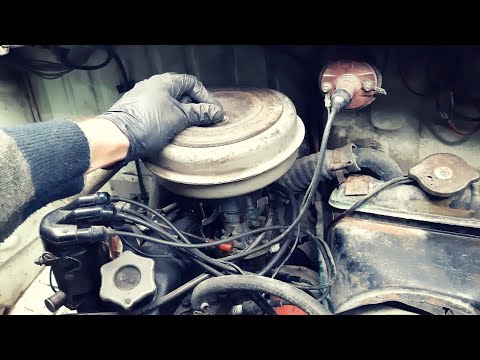 Fiat 600 (1955-1969 / MK 1)
How to Dismantle the Carburettor on a Fiat 600 D 750 In this video tutorial, we will see how to dismantle and service the carburettor on the Fiat 600 D first series, with a 750 engine, as well as on the classic …Read all… Posted on 3 July 2026 by ScegliAuto  Fiat 600 (1955-1969 / MK 1)
How to Replace the Alternator Belt on the Fiat Seicento In this video, you can see the steps to remove the alternator belt on the Fiat Seicento. Removing the alternator belt on the Fiat Seicento is not too …Read all… Posted on 11 June 2026 by ScegliAuto |
See also:
How to Set the Date and Time on the Iveco Daily
Today, we will see in this video tutorial how to change the date and time on the Iveco Daily. First, get into the vehicle and turn on the instrument panel; then go to the vehicle settings on the central display, pressing the relevant option for date and time. At this point, press the "set" button located at the top, using the physical arrow buttons to set both the date and time; finally, exit the onboard computer menu to save the changes made! by ScegliAuto More videos
|
|
For advertising on this site Write to info@scegliauto.com
ScegliAuto is not responsible for any inaccuracy of the data in the lists. To report any inaccuracy or your business (if you own the business in question), please write to info@scegliauto.com
Number of seconds to generate the page: 0.006
(c) ScegliAuto 2026 - info@scegliauto.com - Privacy policy VAT number: IT01247470535 |
