
|
Do it yourself
| |||
| ||||


Fiat Croma - Onboard computerOnboard Computer Fiat Croma (2005-2010 / mk 1) Fiat Croma (2005-2010 / MK 1)
How to Find Average Speed and Trip Information on a Fiat Croma Here’s how to find the average speed and trip information on a Fiat Croma: the TRIP button is located on the right lever of the steering wheel (the one for …Read all… Posted on 17 March 2026 by ScegliAuto 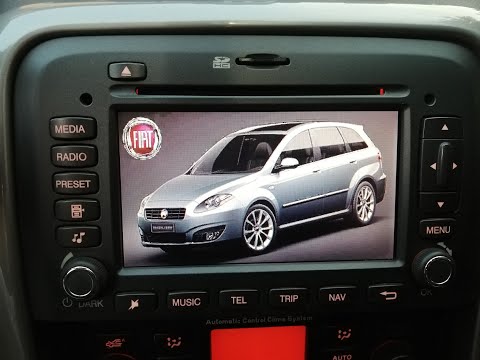 Fiat Croma (2005-2010 / MK 1)
Installing Instant Nav on a Fiat Croma First, insert the two double pins into the designated holes on either side of the old radio. Ensure you push them all the way in, then bend them slightly …Read all… Posted on 21 June 2026 by ScegliAuto 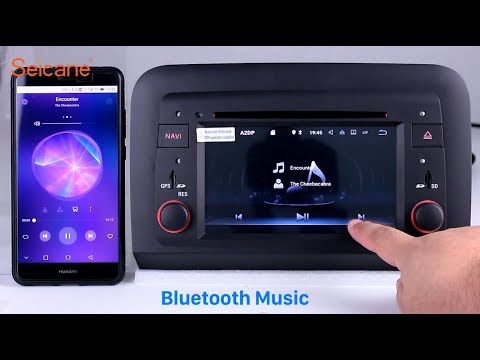 Fiat Croma (2005-2010 / MK 1)
How to Replace the Sat Nav on Fiat Croma First stage: REMOVAL. Use a plastic trim tool (to avoid scratching) to detach the surface plastics, then remove every visible screw that holds the onboard …Read all… Posted on 13 May 2026 by ScegliAuto Cigarette lighter (1) Speaker (1) Car stereo (2) Transmission (1) Glow plugs (2) Key (4) Timing belt (1) Onboard computer (3) Shifter boot (1) Tail light (1) Air filter (1) Cabin air filter (4) Diesel fuel filter (1) Accessory kit (1) Handle (2) Power window motor (3) Transmission fluid (1) Door trim panel (2) Front bumper (2) Pump (1) Instrument cluster (2) Fuse box (1) Service warning light (8) |
How to Reset the Tyre Pressure Light on the Opel Grandland X
While driving, if you notice the tyre pressure warning light coming on, first check the actual inflation pressure of the tyres and, if necessary, restore the pressures recommended by the manufacturer. After restoring the correct pressures, you need to reset the warning light that has illuminated on the instrument cluster. To do this, locate the reset button on the lower central console. Press this button and hold it down for at least 3 seconds, after which the low pressure indication will turn off. by ScegliAuto More videos
|
|
For advertising on this site Write to info@scegliauto.com
ScegliAuto is not responsible for any inaccuracy of the data in the lists. To report any inaccuracy or your business (if you own the business in question), please write to info@scegliauto.com
Number of seconds to generate the page: 0.007
(c) ScegliAuto 2026 - info@scegliauto.com - Privacy policy VAT number: IT01247470535 |
