
|
Do it yourself
| |||
| ||||


Installing Instant Nav on a Fiat Croma
Model: Fiat Croma
MK 1
- Years 2005-2010
First, insert the two double pins into the designated holes on either side of the old radio. Ensure you push them all the way in, then bend them slightly outward and pull them simultaneously to extract the unit. Disconnect the antenna cable and the connector. To remove the frame of the old radio, unscrew the screws that secure it and disconnect the cable. Install the new frame by inserting it into place and securing it with screws. Pass the various connector cables and the radio antenna cable internally, which you will connect to the onboard computer before finally placing it inside the frame.
Updated on 4 May 2026 by ScegliAuto
Video tutorial
Related tutorials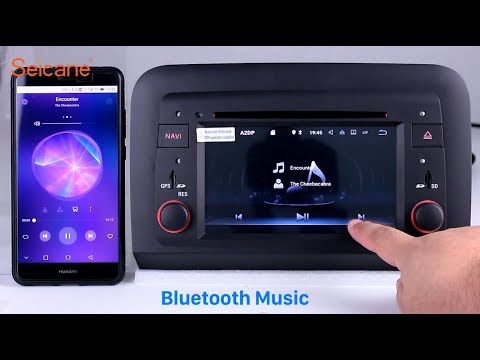
Fiat Croma
(2005-2010 /
MK 1)
First stage: REMOVAL. Use a plastic trim tool (to avoid scratching) to detach the surface plastics, then remove every visible screw that holds the on…
Fiat Croma
(2005-2010 /
MK 1)
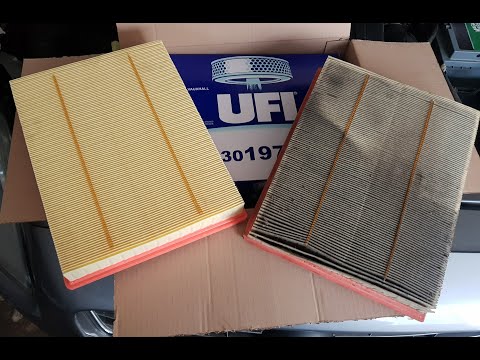
Before starting, open the bonnet of your Fiat Croma. Begin by loosening the screws that secure the hoses to the air filter block. Then, unscrew and r…
Fiat Croma
(2005-2010 /
MK 1)
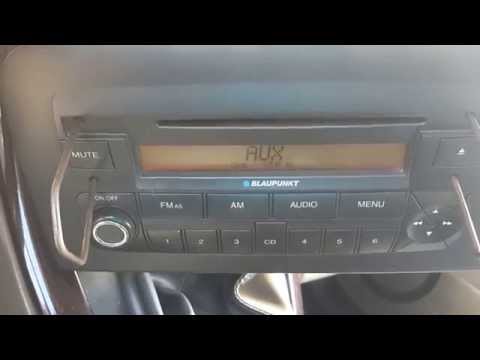
How to remove an original radio from a Fiat Croma? Follow these guidelines carefully to execute the removal. Use the original or aftermarket metal ke…
Other guides you may be interested in
|
How to Bleed the Clutch on a Renault Clio?
To bleed the clutch on a Renault Clio, open the bonnet to access the components located in the engine bay: here, you will need to undo the screws that secure the battery in its housing, the intake manifold, and the coolant reservoir. This will allow you to locate the pipe through which the brake fluid flows: by inserting the other end of the pipe into a container, you can press the clutch pedal to expel all the fluid until it fills the container. by ScegliAuto More videos
|
|
For advertising on this site Write to info@scegliauto.com
ScegliAuto is not responsible for any inaccuracy of the data in the lists. To report any inaccuracy or your business (if you own the business in question), please write to info@scegliauto.com
Number of seconds to generate the page: 0.397
(c) ScegliAuto 2026 - info@scegliauto.com - Privacy policy VAT number: IT01247470535 |
