
|
Do it yourself
| |||
| ||||


Fiat Croma - Video guides Fiat Croma (2005-2010 / MK 1)
How to Replace the Cabin Filter in the Fiat Croma? In this tutorial, you will see how to replace the cabin filter in the Fiat Croma, a very simple and quick operation. First, ensure the engine is cool enough, …Read all… Posted on 2 August 2026 by ScegliAuto  Fiat Croma (2005-2010 / MK 1)
How to Replace the Remote Battery on the Fiat Croma? In this tutorial, we will see how to replace the remote battery on the Fiat Croma, a very simple and quick operation. To do this, you will need a small …Read all… Posted on 11 July 2026 by ScegliAuto  Fiat Croma (2005-2010 / MK 1)
How to Find Average Speed and Trip Information on a Fiat Croma Here’s how to find the average speed and trip information on a Fiat Croma: the TRIP button is located on the right lever of the steering wheel (the one for …Read all… Posted on 17 March 2026 by ScegliAuto  Fiat Croma (2005-2010 / MK 1)
In the Fiat Croma, how do you reset the Service light? Let's delve into the topic of the service, specifically the oil change and engine filter, concerning the Fiat Croma, which is the vehicle featured in the …Read all… Posted on 12 December 2025 by ScegliAuto  Fiat Croma (2005-2010 / MK 1)
How to reset the "Service" light on a Fiat Croma? To reset the "Service" light on a Fiat Croma, connect a diagnostic computer to the OBD port, located under the steering column. After establishing the …Read all… Posted on 2 June 2025 by ScegliAuto  Fiat Croma (2005-2010 / MK 1)
How to reset the average fuel consumption voice of the Fiat Croma If you want to manually reset the average fuel consumption voice of your Fiat Croma, you must follow the steps described in this new guide addressed to you. …Read all… Posted on 25 May 2025 by ScegliAuto  Fiat Croma (2005-2010 / MK 1)
How to Set the Time on the Fiat Croma If you own a Fiat Croma and want to manually change the time displayed on the instrument cluster, follow the steps below. First, insert the key and turn on the …Read all… Posted on 1 November 2026 by ScegliAuto  Fiat Croma (2005-2010 / MK 1)
How to Reset the Service Light on the Fiat Croma? To reset the Service light that appears on the instrument panel of the Fiat Croma, connect a diagnostic tool to the vehicle's OBD port, located just below the …Read all… Posted on 21 October 2026 by ScegliAuto 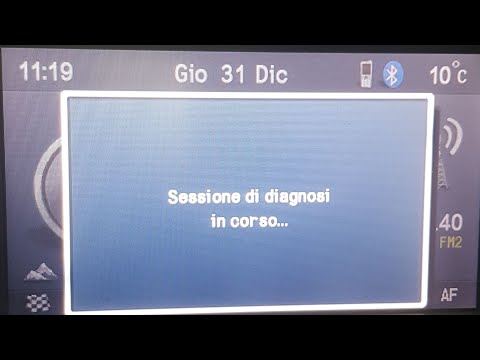 Fiat Croma (2005-2010 / MK 1)
How to Reset the Service Light on a Fiat Croma? To reset the service light on a Fiat Croma, you need to turn on the instrument panel by inserting the ignition key into the ignition switch. Once you locate …Read all… Posted on 28 September 2026 by ScegliAuto 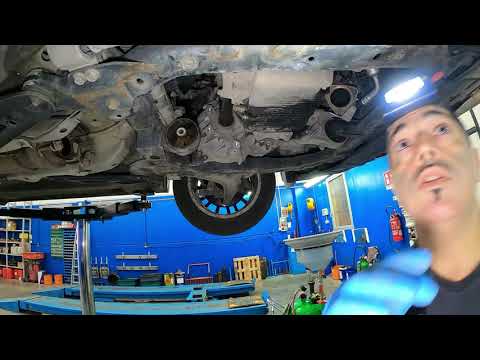 Fiat Croma (2005-2010 / MK 1)
How to Replace the Power Steering Pump on the Fiat Croma This guide will show you how to remove and replace the power steering pump on the Fiat Croma. First, raise the vehicle and disconnect the exhaust manifold to …Read all… Posted on 2 September 2026 by ScegliAuto 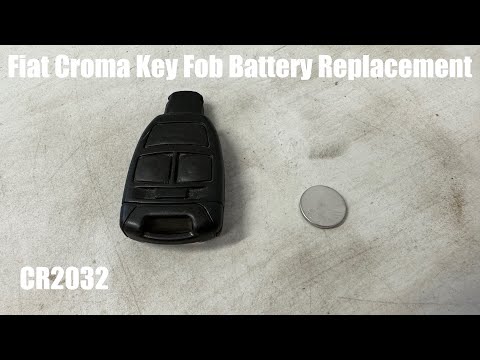 Fiat Croma (2005-2010 / MK 1)
How to Replace the Key Battery in a Fiat Croma If you want to find out how to replace the battery located inside the key of your Fiat Croma, simply pay attention to the following guide and follow the …Read all… Posted on 16 August 2026 by ScegliAuto 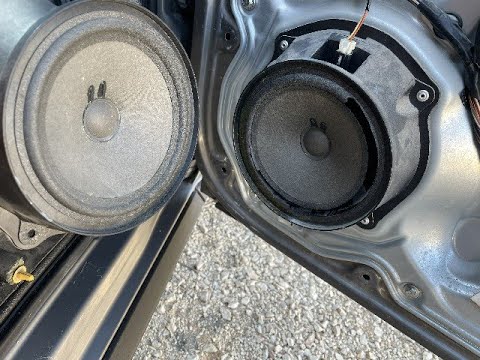 Fiat Croma (2005-2010 / MK 1)
How to Reset the Service Light on the Fiat Croma In the second part of the video, we will see the instructions that will allow us to reset the service light for the regular maintenance oil change on the Fiat …Read all… Posted on 10 August 2026 by ScegliAuto 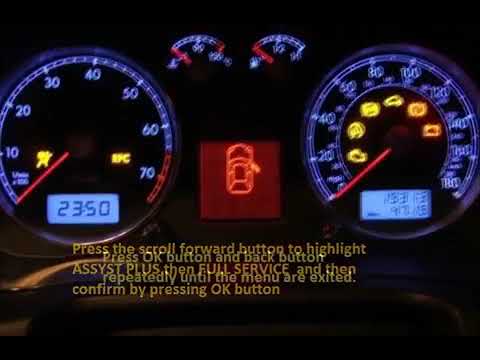 Fiat Croma (2005-2010 / MK 1)
How to Reset the Service Light on a 2006 Fiat Croma This video shows the procedure to reset the service light on a 2006 Fiat Croma. First, get into the car and turn on the instrument panel by inserting the key …Read all… Posted on 12 October 2026 by ScegliAuto 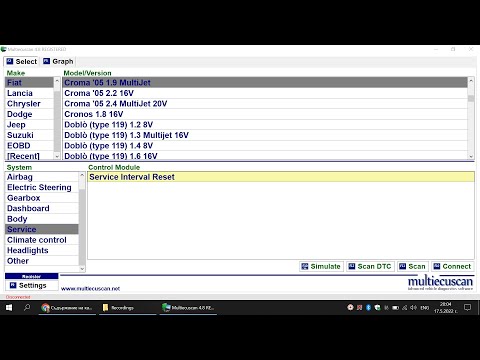 Fiat Croma (2005-2010 / MK 1)
How to Reset the Service Light on the Fiat Croma This guide briefly explains how to reset the service light using diagnostic software for the Fiat Croma, as well as for all other models from the manufacturer. …Read all… Posted on 18 September 2026 by ScegliAuto 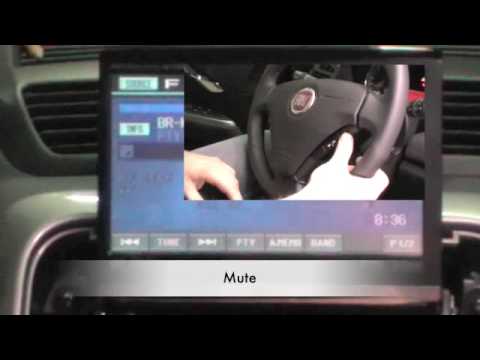 Fiat Croma (2005-2010 / MK 1)
How to Remove the Radio from a Fiat Croma? As shown in the video, removing a car radio from a Fiat Croma is quite simple as it just needs to be pulled out of its housing. If you do not have the special …Read all… Posted on 15 August 2026 by ScegliAuto  Fiat Croma (2005-2010 / MK 1)
Replacing the Front Speakers in the Fiat Croma In this short and simple guide, you will discover the procedure necessary for removing and replacing the front speakers in the Fiat Croma. First, open the …Read all… Posted on 15 August 2026 by ScegliAuto 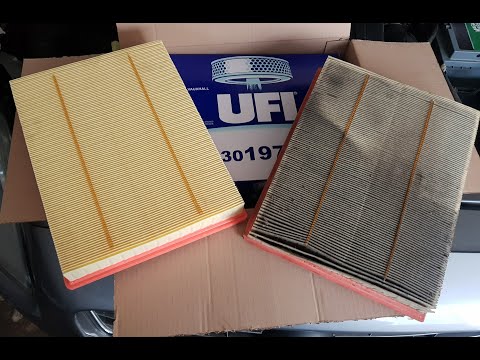 Fiat Croma (2005-2010 / MK 1)
How to Dismantle the Air Filter on a Fiat Croma Before starting, open the bonnet of your Fiat Croma. Begin by loosening the screws that secure the hoses to the air filter block. Then, unscrew and remove the …Read all… Posted on 3 July 2026 by ScegliAuto 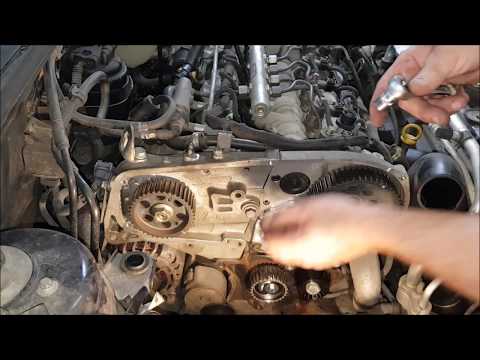 Fiat Croma (2005-2010 / MK 1)
Replacement of the Timing Belt on the Fiat Croma 1.9 JTD In this video, learn how to remove and replace the timing belt on the Fiat Croma with a 1.9 JTD engine. First, open the bonnet and start by removing the air …Read all… Posted on 29 June 2026 by ScegliAuto 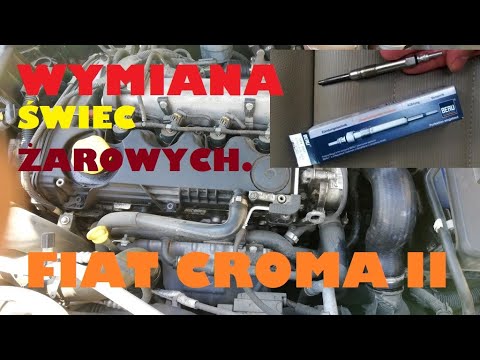 Fiat Croma (2005-2010 / MK 1)
Replacing the Glow Plugs on the Fiat Croma 1.9 JTD In this video tutorial, follow the main instructions to remove and replace the glow plugs on the Fiat Croma engine, as well as the Bravo with the 1.9 JTD …Read all… Posted on 24 June 2026 by ScegliAuto 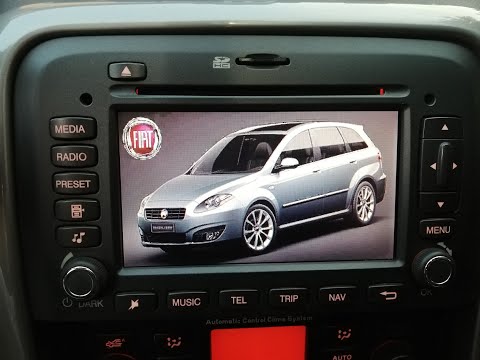 Fiat Croma (2005-2010 / MK 1)
Installing Instant Nav on a Fiat Croma First, insert the two double pins into the designated holes on either side of the old radio. Ensure you push them all the way in, then bend them slightly …Read all… Posted on 21 June 2026 by ScegliAuto
Cigarette lighter (1)
Speaker (1)
Car stereo (2)
Transmission (1)
Glow plugs (2)
Key (4)
Timing belt (1)
Onboard computer (3)
Shifter boot (1)
Tail light (1)
Air filter (1)
Cabin air filter (4)
Diesel fuel filter (1)
Accessory kit (1)
Handle (2)
Power window motor (3)
Transmission fluid (1)
Door trim panel (2)
Front bumper (2)
Pump (1)
Instrument cluster (2)
Fuse box (1)
Service warning light (8)
|
See also:Where are the fuses located on the Renault Laguna?
On the Renault Laguna, the fuses are located inside the fuse boxes installed in the vehicle: in this car model, you will find two boxes for containing the fuses. The first is in the fuse box on the left side of the dashboard, accessible by opening the driver's door: here you will find the fuses for the windscreen wipers, fog lights, horn, etc. The second box is located on the right side of the engine compartment: here you will find the fuses for the dipped headlights, radiator fan, alternator, etc. by ScegliAuto More videos
|
|
For advertising on this site Write to info@scegliauto.com
ScegliAuto is not responsible for any inaccuracy of the data in the lists. To report any inaccuracy or your business (if you own the business in question), please write to info@scegliauto.com
Number of seconds to generate the page: 0.010
(c) ScegliAuto 2026 - info@scegliauto.com - Privacy policy VAT number: IT01247470535 |
