
|
Do it yourself
| |||
| ||||


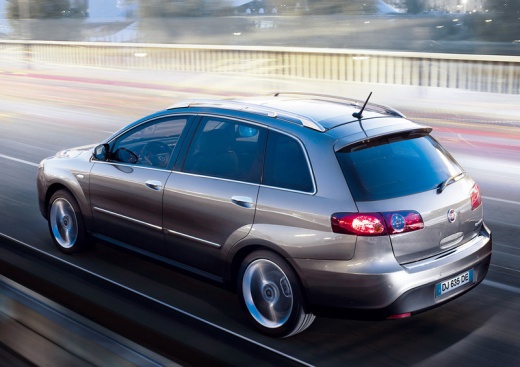
Removing the Door Panel on a Fiat Croma
Model: Fiat Croma
MK 1
- Years:
2005, 2006, 2007, 2008, 2009, 2010
Video tutorial
Let’s remove the door panel (front right) on a Fiat Croma: disconnect the battery terminals located in the engine bay, then, using a screwdriver, unscrew the screws located in the handle area (after removing the covering plastic). Unscrew the remaining screws on the door panel and detach the retaining clips. Finally, pull the panel away with your hands and disconnect it from the door (unplug the power harness and the opening cable). Carry out the desired maintenance inside the door (remove the metal cover).
Updated on 7 March 2026 by ScegliAuto
Related tutorials
Fiat Croma
(2005-2010 /
MK 1)
Before you can start, open the door of your Fiat Croma. Begin by prising out and removing the door inserts to access the screws that secure the door …
Fiat Croma
(2005-2010 /
MK 1)
Before starting, open the door of your Fiat Croma. Begin by prising off and removing the door inserts to access the screws that secure the door panel…
Fiat Croma
(2005-2010 /
MK 1)
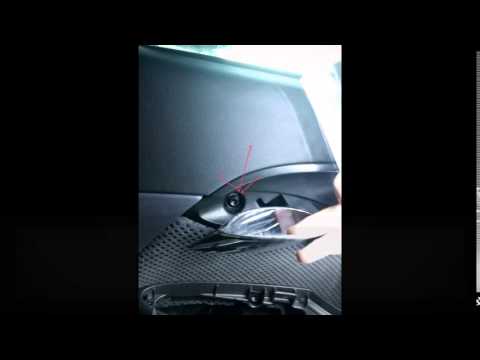
Remove the door panel to replace the internal handle of the Fiat Croma. Use a lever to remove the plastics above the handle, then unscrew the securin…
Other guides you may be interested in
|
How to Set the Time on an Audi A6
Briefly, we will see the instructions to set the time on the Audi A6 by following these simple steps. First, get inside the vehicle and turn on the instrument cluster; then press the settings button and navigate to the time option to confirm your choice, as shown in the video. At this point, set the correct time and format, then exit the settings menu to save the changes made; finally, start the engine and ensure that the time has been set correctly! by ScegliAuto More videos
|
For advertising on this site Write to info@scegliauto.com
ScegliAuto is not responsible for any inaccuracy of the data in the lists. To report any inaccuracy or your business (if you own the business in question), please write to info@scegliauto.com
Number of seconds to generate the page: 0.073
(c) ScegliAuto 2026 - info@scegliauto.com - Privacy policy VAT number: IT01247470535 |
