
|
Do it yourself
| |||
| ||||


What’s Under the Bonnet of a Fiat Ducato 2015/2022
Model: Fiat Ducato
X290
- Years:
2014, 2015, 2016, 2017, 2018, 2019, 2020, 2021, 2022, 2023, 2024, 2025
Video tutorial
First, open the bonnet by pressing the internal lever on the left side, near the footwell, and lift it from the front, securing the support rod in the red hole. The battery is located under the cabin floor: you need to remove a false floor panel secured by plastic clips. In the engine compartment, you will see the blue reservoir with a blue cap for the windscreen washer fluid; the transparent reservoir for the windscreen washer fluid and the reservoir with a yellow/black cap for the coolant are both partially hidden, as is the reservoir with a yellow cap for the brake fluid. To access these three reservoirs, you need to remove a plastic panel secured with three clips. The oil filler cap is on the left side: next to it, with a yellow handle, is the dipstick for checking the level. The air filter is housed in a black plastic casing on the right side of the engine compartment. The fuse box is located on the left side, near the windscreen, where you will find the metal terminal for the positive (for battery charging), while for the negative, there is a bolt on the metal bracket near the engine.
Posted on 13 May 2026 by ScegliAuto
Related tutorials
Fiat Ducato
(2014-2026 /
X290)
How do you replace the bulbs in the front headlight of a Fiat Ducato? Follow this guide: open the car door and pull up the lever to open the engine c…
Fiat Ducato
(2014-2026 /
X290)
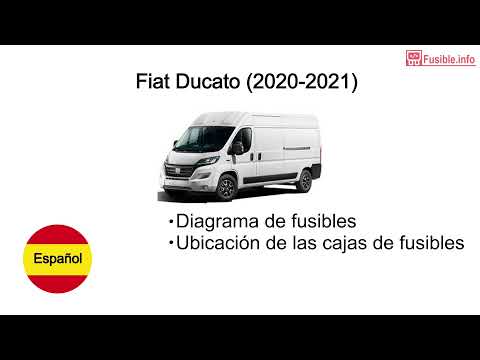
In this tutorial video, you can see where the fuse boxes are located on the Fiat Ducato. The Fiat Ducato has three fuse boxes positioned as follows: …
Fiat Ducato
(2014-2026 /
X290)
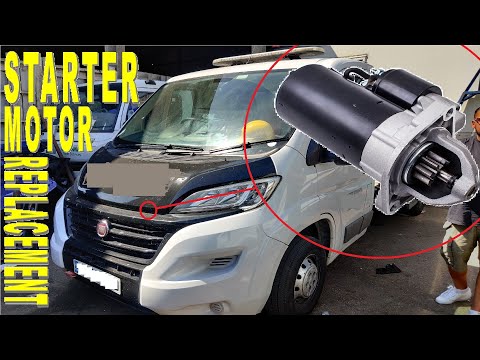
In this video, you can see where the starter motor is located in the Fiat Ducato van and how to proceed if you need to replace it. As shown, the star…
Other guides you may be interested in
|
How to Set the Date and Time on the Iveco Daily
Today, we will see in this video tutorial how to change the date and time on the Iveco Daily. First, get into the vehicle and turn on the instrument panel; then go to the vehicle settings on the central display, pressing the relevant option for date and time. At this point, press the "set" button located at the top, using the physical arrow buttons to set both the date and time; finally, exit the onboard computer menu to save the changes made! by ScegliAuto More videos
|
|
For advertising on this site Write to info@scegliauto.com
ScegliAuto is not responsible for any inaccuracy of the data in the lists. To report any inaccuracy or your business (if you own the business in question), please write to info@scegliauto.com
Number of seconds to generate the page: 0.169
(c) ScegliAuto 2026 - info@scegliauto.com - Privacy policy VAT number: IT01247470535 |
