
|
Do it yourself
| |||
| ||||


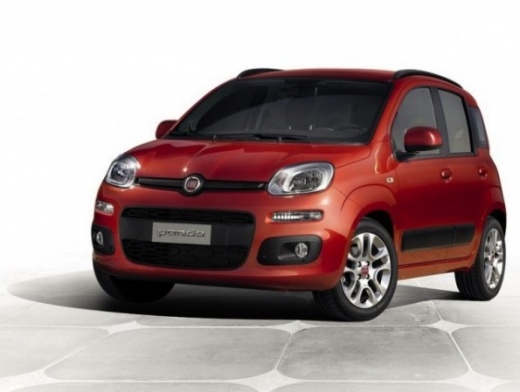
How to Reset the Tyre Pressure Warning Light on the 2025 Fiat Panda?
Model: Fiat Panda
319, MK 3
- Years:
2012, 2013, 2014, 2015, 2016, 2017, 2018, 2019, 2020, 2021, 2022, 2023
Video tutorial
The tyre inflation pressure of a vehicle, not only for the Fiat Panda but for any vehicle on the road, must always be correct, meaning it must comply with the parameters indicated by the manufacturer in the user manual. If you notice the warning light on the instrument panel coming on, it means that one or more tyres need inflating, so use an air compressor to do this. Once done, enter the cabin and turn off the warning as follows: with the instrument panel on, use the steering wheel directional buttons to select the screen showing the vehicle with the four illuminated wheels, and when prompted to Reset, press the OK button.
Posted on 5 July 2026 by ScegliAuto
Related tutorials
Fiat Panda
(2012-2026 /
319, MK 3)
The tyre pressure light, also known as the TPMS light, illuminates on the instrument cluster of the Fiat Panda when it is necessary to adjust the tyr…

Fiat Panda
(2012-2026 /
319, MK 3)
Below we will see the instructions that will allow us to reset the tire pressure warning light of the Fiat Panda; before performing the TPMS sensor r…

Fiat Panda
(2012-2026 /
319, MK 3)
On the new model of Fiat Panda, resetting the tyre pressure light is easier than ever! The entire operation can be conveniently carried out through t…
Other guides you may be interested in
|
How to Activate the Disabled TRC on the Toyota Yaris?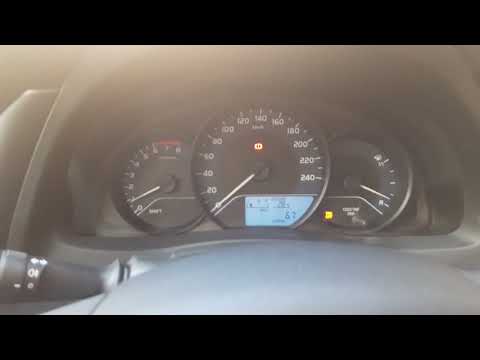
As the video clearly shows, disabling or activating the traction control (TRC or ESP) on the Toyota Yaris is very simple. By default, the traction system activates every time the vehicle is started. To disable it, simply press the button depicting a skidding car located in the centre of the vehicle where the controls are, such as the hazard lights and the radio, but near the handbrake. Once disabled, the TRC off light will illuminate on the dashboard. To reactivate it, just press the same button again. by ScegliAuto More videos
|
|
For advertising on this site Write to info@scegliauto.com
ScegliAuto is not responsible for any inaccuracy of the data in the lists. To report any inaccuracy or your business (if you own the business in question), please write to info@scegliauto.com
Number of seconds to generate the page: 0.025
(c) ScegliAuto 2026 - info@scegliauto.com - Privacy policy VAT number: IT01247470535 |
