
|
Do it yourself
| |||
| ||||


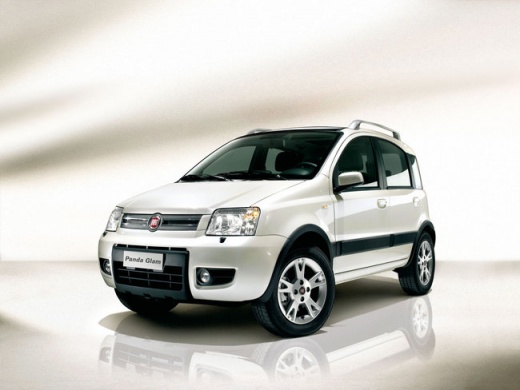
Removing the Rear Brake Shoes on a Fiat Panda
Model: Fiat Panda
169, MK 2
- Years:
2003, 2004, 2005, 2006, 2007, 2008, 2009, 2010, 2011, 2012
Video tutorial
Loosen the bolts of the affected rear wheel, lift the vehicle, and completely unscrew them to remove the wheel. Unscrew the two fastening elements of the drum. Get into the car and unscrew the four 10 mm bolts securing the plastic around the handbrake, as shown in the video. Once removed, unscrew the bolt located behind the handbrake. Screw two bolts into the front plate of the drum and remove it. Remove the lower return spring of the brake shoes, then take both pads off the mounting bracket. Install the brake shoes onto the working cylinder on the bracket and onto the brake support plate.
Updated on 27 April 2026 by ScegliAuto
Related tutorials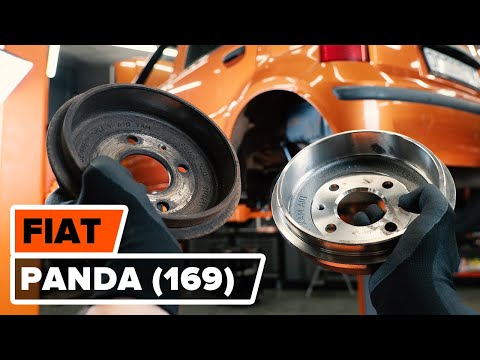
Fiat Panda
(2003-2012 /
169, MK 2)
In today's tutorial, learn how to remove and replace the rear brake shoes on a Fiat Panda 169, second series. First, remove the rear wheel; then unsc…
Fiat Panda
(2003-2012 /
169, MK 2)
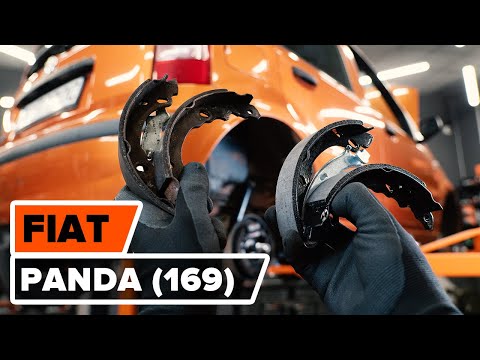
This video shows how to remove and replace the rear brake shoes on a Fiat Panda 169, second series. First, lift the vehicle and remove the rear wheel…

Fiat Panda
(2003-2012 /
169, MK 2)
To replace the rear brake shoes on a Fiat Panda, lift the car with a jack or ramp so that the corresponding rear wheel is not in contact with the gro…
Other guides you may be interested in |
Where are the fuses located on the Renault Laguna?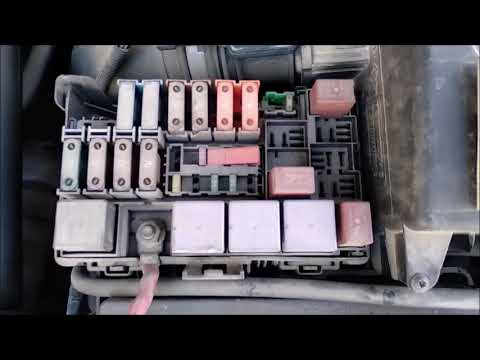
On the Renault Laguna, the fuses are located inside the fuse boxes installed in the vehicle: in this car model, you will find two boxes for containing the fuses. The first is in the fuse box on the left side of the dashboard, accessible by opening the driver's door: here you will find the fuses for the windscreen wipers, fog lights, horn, etc. The second box is located on the right side of the engine compartment: here you will find the fuses for the dipped headlights, radiator fan, alternator, etc. by ScegliAuto More videos
|
|
For advertising on this site Write to info@scegliauto.com
ScegliAuto is not responsible for any inaccuracy of the data in the lists. To report any inaccuracy or your business (if you own the business in question), please write to info@scegliauto.com
Number of seconds to generate the page: 0.024
(c) ScegliAuto 2026 - info@scegliauto.com - Privacy policy VAT number: IT01247470535 |
