
|
Do it yourself
| |||
| ||||


Replacing Drive Shaft Boots
Model: Fiat Panda
MK 1, 141
- Years 1980-2003
The boot itself costs only a few pounds, but if it wears out, it risks leaking gearbox oil, causing seizing within a few hours.
Unfortunately, the operation is not very simple. You essentially need to drain the oil, remove the wheel, take off the hub, and slide the drive shaft out of the gearbox assembly. To remove the boot, the video also shows how to slide off the universal joint. Then, insert the new boot onto the drive shaft, reassemble the universal joint, repeat all steps in reverse order to disassembly, and top up the gearbox oil that you previously drained. The model of car used in this video is a Fiat Panda 4x4.
Updated on 1 February 2026 by ScegliAuto
Video tutorial
Related tutorials
Fiat Panda
(2003-2012 /
169, MK 2)
In this video we can see how to grease the joints of the gear lever of a Fiat Panda 169, where the gears do not engage smoothly. Of course, it could …

Fiat Panda
(2003-2012 /
169, MK 2)
As we see in the video, the failure of the front suspension is possible on Fiat Pandas due to the deterioration of various components, such as shock …
Fiat Panda
(2003-2012 /
169, MK 2)
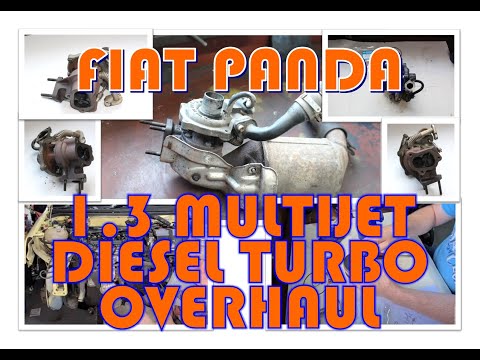
Let's see in this guide the main steps that will allow us to carry out the overhaul of the turbocharger of the second series Fiat Panda, with 1.3 Mul…
Other guides you may be interested in
|
How to Replace a Headlight Bulb on a Ford Focus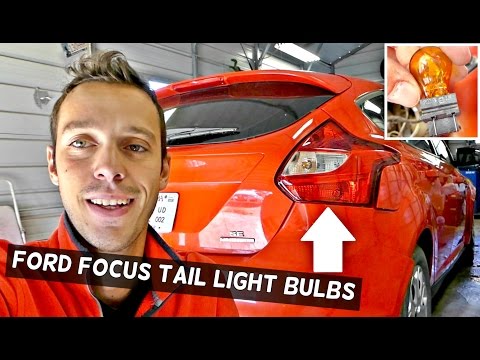
How do you replace a rear headlight bulb on a Ford Focus? Let's see how to do it in this video. This operation is very simple to carry out. Open the boot and remove the plastic cover from the side trim. Unscrew the retaining screws of the lamp unit, then pull it out by hand from the car's bodywork. Disconnect the power connectors, taking care not to damage them. Once the rear light is removed, replace the damaged bulbs. After completing this operation, reassemble everything in reverse order. Finally, check that the lights are functioning correctly. by ScegliAuto More videos
|
|
For advertising on this site Write to info@scegliauto.com
ScegliAuto is not responsible for any inaccuracy of the data in the lists. To report any inaccuracy or your business (if you own the business in question), please write to info@scegliauto.com
Number of seconds to generate the page: 0.057
(c) ScegliAuto 2026 - info@scegliauto.com - Privacy policy VAT number: IT01247470535 |
