
|
Do it yourself
| |||
| ||||


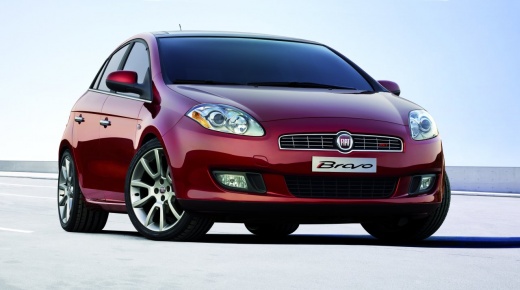
How to Install Chrome Decorative Strips Inside a Fiat Bravo
Model: Fiat Bravo
Bravo 2
- Years:
2007, 2008, 2009, 2010, 2011, 2012, 2013, 2014
Video tutorial
This chrome decoration was applied in the video on a Fiat Bravo, but it can be applied to any vehicle with a dashboard divided into two halves. You can purchase the strip on Amazon, with the code A23JEEO036NCI2. A 5-metre strip costs £12.99, with free delivery. The application is very simple, and the result is elegant without overwhelming the dashboard, unlike some decorations found online, especially those that are luminous. Just insert the strip, pushing it gradually with the supplied spatula, and cut it when you reach the outer edges. There are many application possibilities.
Updated on 8 July 2026 by ScegliAuto
Related tutorials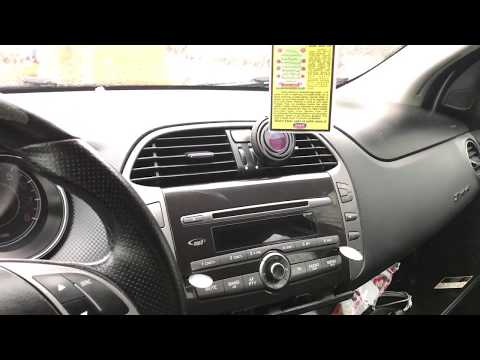
Fiat Bravo
(2007-2014 /
Bravo 2)
How do you remove the radio from the dashboard of a Fiat Bravo? Let's look at the disassembly of the parts. Use the original or aftermarket metal key…
Fiat Bravo
(2007-2014 /
Bravo 2)
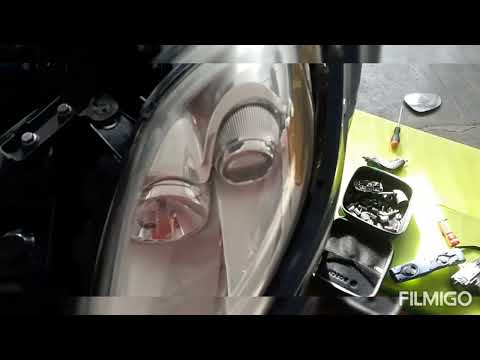
In this video tutorial, you will see how to install H1 LED bulbs on a Fiat Bravo. Raise the bonnet, remove the round rubber cover located behind the …
Fiat Bravo
(2007-2014 /
Bravo 2)
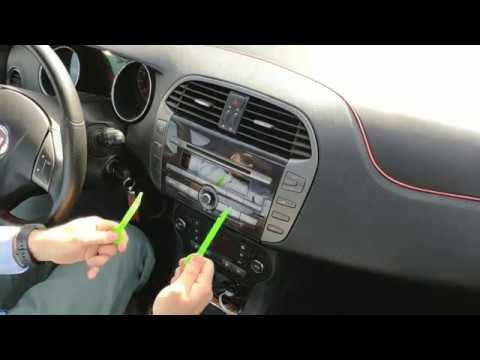
How to replace the damaged stereo in a Fiat Bravo? Here’s how to remove it. Use the original metal keys to remove the stereo from the Fiat Bravo. Ins…
Other guides you may be interested in |
How to Open the Fuel Filler Flap in the Hyundai i30?
In this tutorial, you will learn how to open the fuel filler flap in the Hyundai i30, a very simple operation that follows the typical procedure of most vehicles. First, unlock the locks using the designated button on the remote, then open the driver's door, locate the release lever on the left side of the seat, and operate it. Next, move to the fuel filler flap, open it completely, unscrew the cap, and refuel as needed. To close the flap, simply press it gently. by ScegliAuto More videos
|
|
For advertising on this site Write to info@scegliauto.com
ScegliAuto is not responsible for any inaccuracy of the data in the lists. To report any inaccuracy or your business (if you own the business in question), please write to info@scegliauto.com
Number of seconds to generate the page: 0.019
(c) ScegliAuto 2026 - info@scegliauto.com - Privacy policy VAT number: IT01247470535 |
