
|
Do it yourself
| |||
| ||||


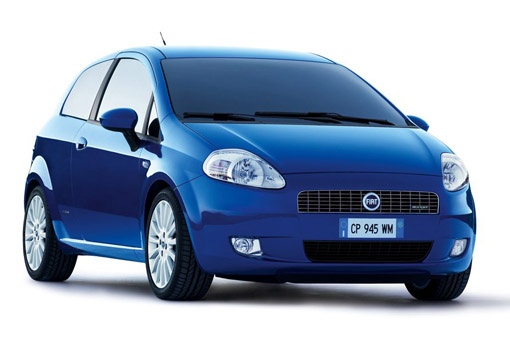
How to disassemble the rearview mirror of a Fiat Punto?
Model: Fiat Punto
MK 3, Punto EVO, 199, Grandepunto
- Years 2005-2018
To remove the rearview mirror of a Fiat Punto, turn the mirror into a vertical position to access the external screws under the base. Unscrew them with a screwdriver without damaging the paint. Check for any other screws inside the mirror housing or the door, remove them carefully. Pay attention to the electrical cables, if present, and disconnect them gently. Remove the mirror carefully. Once you have completed this step, you will have finished disassembling. For reassembly, reconnect the cables and tighten the screws. Always pay attention to avoid damage and use the appropriate tools.
Posted on 5 May 2024 by ScegliAuto
This video is currently unavailable
Related tutorials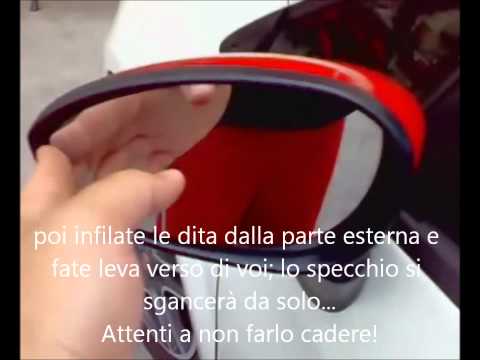
Fiat Punto
(2005-2018 /
MK 3, Punto EVO, 199, Grandepunto )
Is the wing mirror on your Punto Evo damaged? Here’s how to dismantle it. Pry between the edge of the mirror frame and the mirror glass. Apply levera…
Fiat Punto
(1999-2011 /
MK 2, 188)
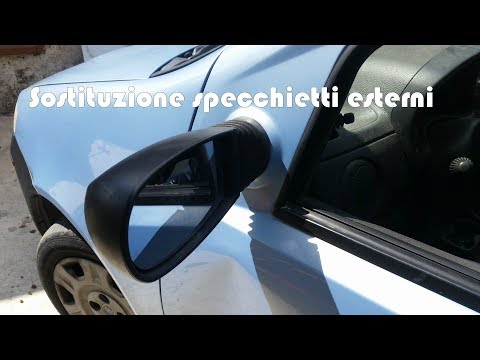
How do you remove the external wing mirror of your Fiat Punto? Follow these steps. First, unscrew the screw from the internal cover of the mirror and…
Fiat Punto
(1999-2011 /
MK 2, 188)
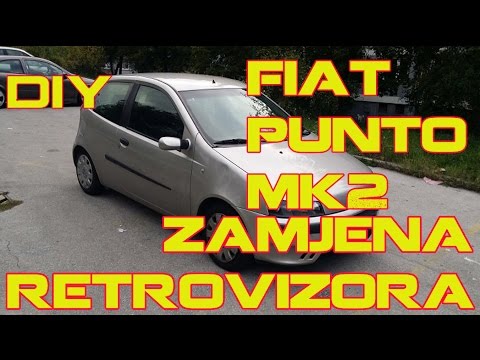
How do you remove the mirror from our Fiat Punto? In this video, we will see how to detach the external rear-view mirror. Use a lever to detach the i…
Other guides you may be interested in
|
How to Set the Clock on the Opel Zafira
Setting the clock to the current Italian time on an Opel Zafira model B is a very simple operation, also made easier by our short instructional video. The first step is to turn on the instrument panel and then press the SETTING button located on the central dashboard. Once inside the menu, use the buttons to navigate to the clock setting. Adjust the hours and minutes and restart the instrument panel. If the clock does not update, it may be necessary to diagnose the radio or the vehicle's control unit. by ScegliAuto More videos
|
|
For advertising on this site Write to info@scegliauto.com
ScegliAuto is not responsible for any inaccuracy of the data in the lists. To report any inaccuracy or your business (if you own the business in question), please write to info@scegliauto.com
Number of seconds to generate the page: 0.072
(c) ScegliAuto 2026 - info@scegliauto.com - Privacy policy VAT number: IT01247470535 |
