
|
Do it yourself
| |||
| ||||


How to Change the Dashboard Lighting Bulbs on a Fiat Punto
Model: Fiat Punto
MK 2, 188
- Years 1999-2011
How do you change the bulb or LED for the hazard light button on a Fiat? Follow this video to proceed. Remove the trim from the dashboard of the air conditioning controls, then extract the top part of the instrument panel as shown in the video. Be careful not to break the plastic clips. After removing the switch panel, disconnect the power connectors and unscrew it with a screwdriver until the circuit board is removed. Replace the lighting LEDs with new ones. Finally, reassemble the piece in reverse order.
Updated on 25 February 2026 by ScegliAuto
Video tutorial
Related tutorials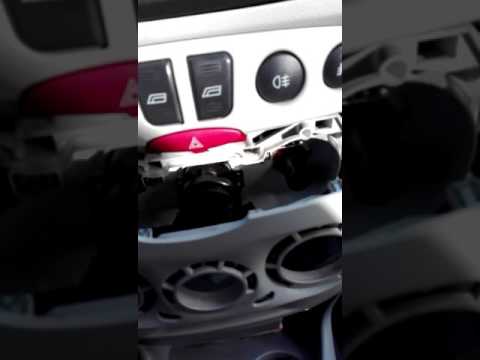
Fiat Punto
(1999-2011 /
MK 2, 188)
Are the bulbs for the air vents blown? Let's see how to disassemble them on a Fiat Punto. Remove the dashboard trim of the air conditioning controls …
Fiat Punto
(2005-2018 /
MK 3, Punto EVO, 199, Grandepunto )
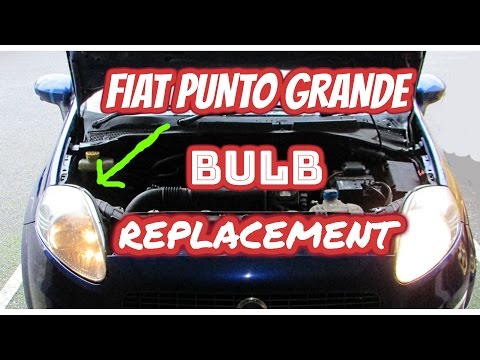
Change the bulbs in the front headlight of a Fiat Punto: open the bonnet by pulling the lever located at the bottom right of the dashboard, and secur…

Fiat Punto
(2005-2018 /
MK 3, Punto EVO, 199, Grandepunto )
In this video, you will learn how to replace the bulbs for the heating control illumination on a Fiat Grande Punto. First, remove the car radio using…
Other guides you may be interested in
|
How to Bleed the Clutch on a Renault Clio?
To bleed the clutch on a Renault Clio, open the bonnet to access the components located in the engine bay: here, you will need to undo the screws that secure the battery in its housing, the intake manifold, and the coolant reservoir. This will allow you to locate the pipe through which the brake fluid flows: by inserting the other end of the pipe into a container, you can press the clutch pedal to expel all the fluid until it fills the container. by ScegliAuto More videos
|
|
For advertising on this site Write to info@scegliauto.com
ScegliAuto is not responsible for any inaccuracy of the data in the lists. To report any inaccuracy or your business (if you own the business in question), please write to info@scegliauto.com
Number of seconds to generate the page: 0.070
(c) ScegliAuto 2026 - info@scegliauto.com - Privacy policy VAT number: IT01247470535 |
