
|
Do it yourself
| |||
| ||||


How to reset the service on the Ford Ranger pickup?
Model: Ford Ranger
- Years:
2022, 2023, 2024, 2025, 2026
Video tutorial
In this tutorial, you will see how to reset the service on the Ford Ranger pickup, a very simple and quick operation to perform only after completing all scheduled maintenance tasks. First, enter the cabin, then insert the key and turn on the ignition. Next, access the general menu by pressing the appropriate button on the steering wheel, go to "Vehicle Maintenance", then "Oil Life", and hold down both the accelerator pedal and the brake pedal until the oil life resets correctly.
Posted on 2 November 2026 by ScegliAuto
Related tutorials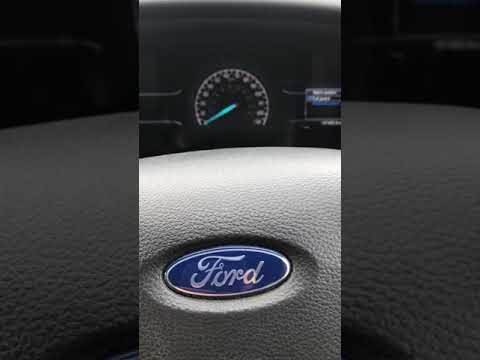
Ford Ranger
(2011-2023 /
T6, P375, PX)
As shown in this tutorial, resetting the oil service on a Ford Ranger pick-up is a very simple and quick operation. Before proceeding, ensure that al…

Ford Ranger
(2022-2026 /
RA, P703)
In this tutorial, you will see how to reset the service light on a Ford Ranger, a very simple and quick operation to perform only after completing al…

Ford Ranger
(2022-2026 /
RA, P703)
In this tutorial, we will see how to reset the service light in the Ford Ranger pickup, a very simple and quick operation to be done only after compl…
Other guides you may be interested in
|
How to Set the Clock on the 2024 Toyota Aygo X
The steps to set the clock on the onboard computer of a 2024 Toyota Aygo X are simple and quick to perform independently. First, turn on the instrument cluster of the vehicle. Second, press the menu button on the onboard computer. Third, select the "configuration" option from the onboard computer. Fourth, select the "clock" option to set the desired hours and minutes. Fifth, return to the main menu and restart the instrument cluster. by ScegliAuto More videos
|
|
For advertising on this site Write to info@scegliauto.com
ScegliAuto is not responsible for any inaccuracy of the data in the lists. To report any inaccuracy or your business (if you own the business in question), please write to info@scegliauto.com
Number of seconds to generate the page: 0.080
(c) ScegliAuto 2026 - info@scegliauto.com - Privacy policy VAT number: IT01247470535 |
