
|
Do it yourself
| |||
| ||||


Replacing the mirror indicator bulb on a Ford Fiesta
Model: Ford Fiesta
Fiesta 6, MK 6, MK VI
- Years 2008-2017
First, remove the housing from the car by unscrewing the screws that secure it to the bodywork. Once done, remove the mirror: for this operation, simply lever at the rear with your fingers or a plastic lever. Disconnect the two wires and remove the outer cover by pushing, as shown in the video, the three securing tabs. At this point, it’s easy to remove the bulb from its seat and replace it. Proceed in reverse order until fully reassembled, reattaching the housing and then mounting it back onto the car. Good luck!
Updated on 12 April 2026 by ScegliAuto
This video is currently unavailable
Related tutorials
Ford Fiesta
(2017-2023 /
MK 7, MK VII, Fiesta 7)
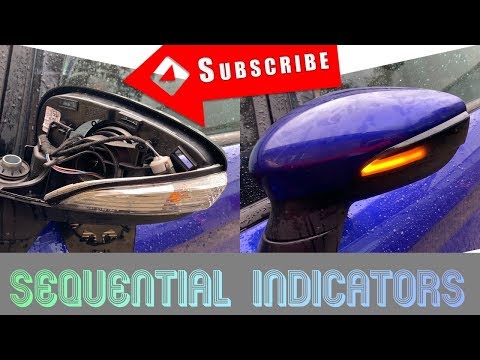
To replace the indicator bulb on the Ford Fiesta wing mirror, use a tool to lever the mirror out of the housing. Remove the housing by disconnecting …
Ford Fiesta
(2008-2017 /
Fiesta 6, MK 6, MK VI)
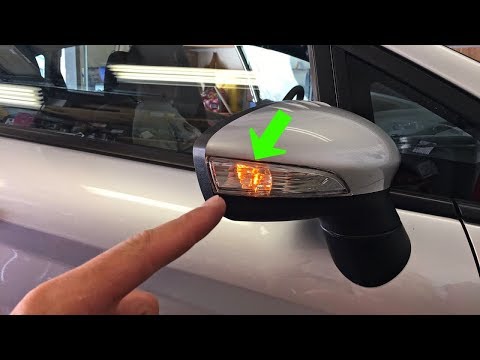
In today's video, you will learn how to remove and replace the indicator bulb in the external wing mirror of a Ford Fiesta. First, remove the glass o…
Ford Fiesta
(2008-2017 /
Fiesta 6, MK 6, MK VI)
Today, follow the main instructions on how to remove and replace the bulb of the indicator light in the Ford Fiesta's external wing mirror. First, yo…
Other guides you may be interested in
|
How to Reset the Central Locking of the Volkswagen Golf 4?
If the central locking system of the Volkswagen Golf 4 is not working, it is likely necessary to reset the system: to do this, open the driver's door and detach the side panel of the dashboard next to the steering wheel. Under this panel, you will find the fuses, including the one for the central locking, which is indicated in the manual as number 14. To reset the system, remove this fuse from its housing, then reinsert it or replace it with a new one of the same amperage: this will reset the central locking system. by ScegliAuto More videos
|
|
For advertising on this site Write to info@scegliauto.com
ScegliAuto is not responsible for any inaccuracy of the data in the lists. To report any inaccuracy or your business (if you own the business in question), please write to info@scegliauto.com
Number of seconds to generate the page: 0.334
(c) ScegliAuto 2026 - info@scegliauto.com - Privacy policy VAT number: IT01247470535 |
