
|
Do it yourself
| |||
| ||||


How to Paint the Side Chrome Trim of the Ford Explorer?
Model: Ford Explorer
MK 5, U502
- Years:
2011, 2012, 2013, 2014, 2015, 2016, 2017, 2018, 2019
Video tutorial
You can paint the side chrome trim or other chrome parts of the Ford Explorer to give it a look more suited to your tastes. For this, you only need suitable spray paint, some alcohol, and masking tape. Apply the masking tape around the area to be painted on the bodywork to protect it from paint. Then, use the alcohol to thoroughly clean the chrome surface and apply the spray paint. Make at least three applications, always waiting for the previous coat to dry before applying a new layer. When you are satisfied with the result, remove the masking tape that you placed to protect the bodywork.
Updated on 29 May 2026 by ScegliAuto
Related tutorials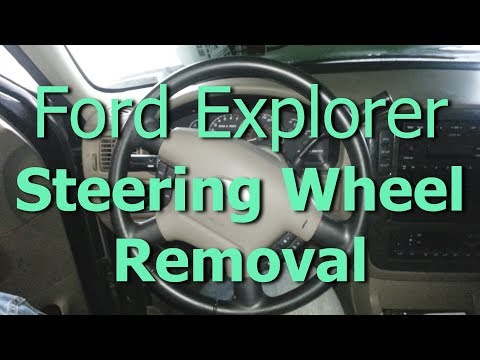
Ford Explorer
(2002-2005 /
MK 3, U152)
To remove the steering wheel airbag on the Ford Explorer, loosen the screws located on the rear side of the steering wheel, both on the left and righ…
Ford Explorer
(2011-2019 /
MK 5, U502)
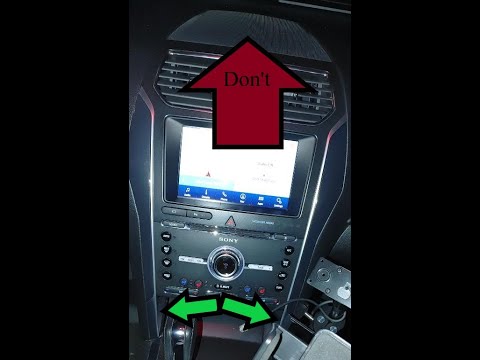
To remove the display from the central console of the Ford Explorer, start by unfastening the side trim mouldings from the bottom to avoid breaking t…

Ford Explorer
(2020-2026 /
MK 6, U625)
In order to open the fuel door of the Ford Explorer, you must first unlock the car using the corresponding button on the remote control, otherwise th…
Other guides you may be interested in
|
How to Open the Fuel Filler Flap in the Hyundai i30?
In this tutorial, you will learn how to open the fuel filler flap in the Hyundai i30, a very simple operation that follows the typical procedure of most vehicles. First, unlock the locks using the designated button on the remote, then open the driver's door, locate the release lever on the left side of the seat, and operate it. Next, move to the fuel filler flap, open it completely, unscrew the cap, and refuel as needed. To close the flap, simply press it gently. by ScegliAuto More videos
|
|
For advertising on this site Write to info@scegliauto.com
ScegliAuto is not responsible for any inaccuracy of the data in the lists. To report any inaccuracy or your business (if you own the business in question), please write to info@scegliauto.com
Number of seconds to generate the page: 0.019
(c) ScegliAuto 2026 - info@scegliauto.com - Privacy policy VAT number: IT01247470535 |
