
|
Do it yourself
| |||
| ||||



How to Install a Dash Cam on a Ford Fiesta MK8
Model: Ford Fiesta
MK 7, MK VII, Fiesta 7
- Years:
2017, 2018, 2019, 2020, 2021, 2022, 2023
Video tutorial
In this video, you will see how to install a dash cam on a Ford Fiesta by connecting it directly to the fuse box, which is located behind the glove compartment; rotate the two catches found inside and remove them. This way, the drawer will drop down to the carpet, exposing the fuse box. Look for the fuse that controls the parking assist module in the user manual, so it turns off when you switch off the vehicle. You will then use a fuse-shaped adapter with two slots, placing the original fuse outside and the one provided with the dash cam inside. Next, connect the negative to the bolt behind the panel you opened, and the positive to the connection you made. All cables can be grouped under the cover, then run the cable under the door seal, pulling it down; remove the scuff plate (which is clipped in) and run the cable up to the height of the airbag, then pass it between the pillar and the headlining, and then along the contact between the headlining and the windscreen, until you reach the point where you intend to mount the camera. We recommend the code B07J35BF35 from Amazon, priced at £109.95 with free delivery.
Updated on 29 July 2026 by ScegliAuto
Related tutorials
Ford Fiesta
(2017-2023 /
MK 7, MK VII, Fiesta 7)
Learn how to install a really useful accessory, the gas struts that hold up the bonnet, on a Ford Fiesta MK8. You can find them on Amazon, for exampl…
Ford Fiesta
(2008-2017 /
Fiesta 6, MK VI, MK 6)
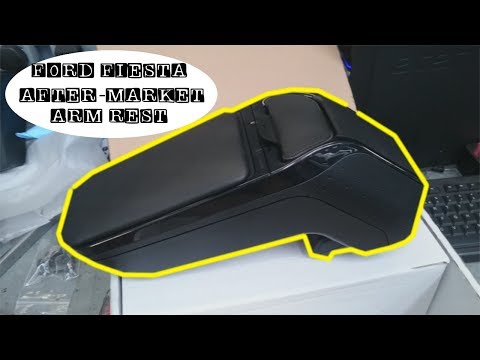
Let's see how to install the armrest storage compartment on the centre console of a Ford Fiesta. Position the armrest horizontally, then, using a scr…
Ford Fiesta
(2017-2023 /
MK 7, MK VII, Fiesta 7)
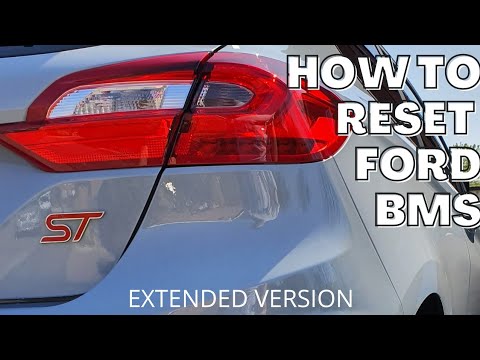
In today's video, you will learn how to reset the BMS warning light, which is the battery monitoring sensor, on a Ford Fiesta ST MK8. Before starting…
Other guides you may be interested in
|
Frequently Asked QuestionsHow to Reset the Tire Pressure Light on a MG ZS?
On the instrument cluster of the MG ZS, the tire pressure light that appears can be reset by inflating the tires to the correct pressure: this value will be indicated on the sticker attached to the driver's door pillar. Once the tires have been properly inflated, you can turn on the instrument cluster and navigate through the menu until you find the option that indicates tire pressure: if this screen shows the new values, the light will turn off; otherwise, you will need to drive for a few miles so that the sensors can read the new values and turn off the light afterward. by ScegliAuto More videos
|
|
For advertising on this site Write to info@scegliauto.com
ScegliAuto is not responsible for any inaccuracy of the data in the lists. To report any inaccuracy or your business (if you own the business in question), please write to info@scegliauto.com
Number of seconds to generate the page: 0.221
(c) ScegliAuto 2026 - info@scegliauto.com - Privacy policy VAT number: IT01247470535 |
