
|
Do it yourself
| |||
| ||||


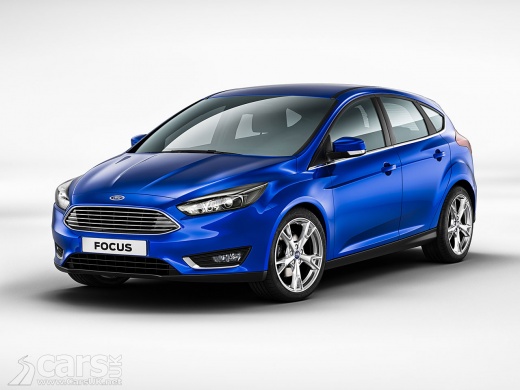
How to Replace the Coolant in a Ford Focus?
Model: Ford Focus
MK 3
- Years:
2011, 2012, 2013, 2014, 2015, 2016, 2017, 2018
Video tutorial
In this tutorial, see how to replace the coolant in a Ford Focus, a very simple and quick operation. First, wait for the engine to cool down sufficiently, then lift the front of the vehicle and remove the cover located under the compartment. Next, open the bonnet, unscrew the cap of the expansion tank, connect a hose to the drain valve, and open it. At this point, drain all the fluid from the system, close the valve, and refill the required amount of fluid through the designated opening.
Updated on 9 October 2026 by ScegliAuto
Related tutorials
Ford Focus
(2011-2018 /
MK 3)
Top up the radiator reservoir of the Ford Focus with the specified coolant. Here's how. Pull the plastic lever located at the bottom left of the dash…

Ford Focus
(2011-2018 /
MK 3)
This video shows where the coolant temperature sensor is located in the Ford Focus and how to proceed if you need to replace it. As shown, the sensor…

Ford Focus
(2011-2018 /
MK 3)
To remove the coolant reservoir on the Ford Focus, open the bonnet to locate the reservoir on the left side of the engine bay. The reservoir can be r…
Other guides you may be interested in
|
How to Activate the Disabled TRC on the Toyota Yaris?
As the video clearly shows, disabling or activating the traction control (TRC or ESP) on the Toyota Yaris is very simple. By default, the traction system activates every time the vehicle is started. To disable it, simply press the button depicting a skidding car located in the centre of the vehicle where the controls are, such as the hazard lights and the radio, but near the handbrake. Once disabled, the TRC off light will illuminate on the dashboard. To reactivate it, just press the same button again. by ScegliAuto More videos
|
|
For advertising on this site Write to info@scegliauto.com
ScegliAuto is not responsible for any inaccuracy of the data in the lists. To report any inaccuracy or your business (if you own the business in question), please write to info@scegliauto.com
Number of seconds to generate the page: 0.019
(c) ScegliAuto 2026 - info@scegliauto.com - Privacy policy VAT number: IT01247470535 |
