
|
Do it yourself
| |||
| ||||


How to reset the multimedia system in the Ford Mustang?
Model: Ford Mustang
S197, MK 5
- Years 2005-2014
In our Ford Mustang, it may happen that the multimedia system shows various signs of malfunction, such as continuous blocks or connection problems. In these cases, we can try to solve the problem by performing a system reset, let's see how to proceed in this tutorial. First of all, let's go inside the cabin, then insert the key and turn on the instrument panel. Next, press the "PHONE" button on the console, select "Return", go to "Advanced", "Master Reset", and confirm the choice. Finally, wait for the procedure to finish and check if the problems are resolved.
Posted on 12 August 2024 by ScegliAuto
Video tutorial
Related tutorials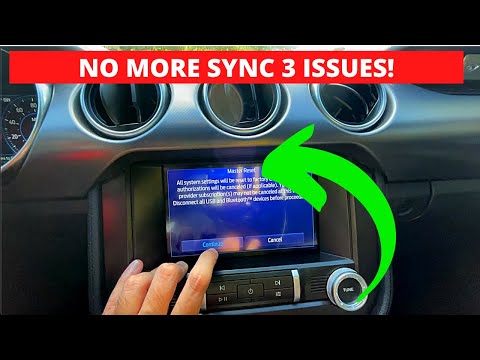
Ford Mustang
(2015-2023 /
MK 6, S550)
This guide provides instructions to reset the Sync 3 multimedia system in the Ford Mustang, as well as in other models from the manufacturer. First, …

Ford Mustang
(2015-2023 /
MK 6, S550)
In the Ford Mustang, it is possible for the car radio to freeze or show various signs of malfunction. In these cases, we can try to solve the problem…
Ford Mustang
(2015-2023 /
MK 6, S550)
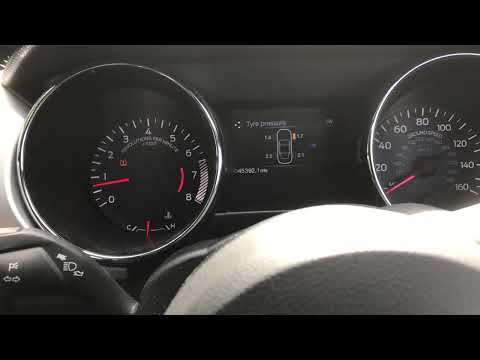
Let's discover the process of resetting the tire pressure monitoring system (TPMS) light on the Ford Mustang; before performing the reset, it is nece…
Other guides you may be interested in
|
How to reset the tyre pressure warning light on a Hyundai Tucson
Below are the instructions to reset the tyre pressure warning light (TPMS) on a Hyundai Tucson. First, get into the vehicle and turn on the instrument cluster; then navigate to the vehicle settings until you reach the tyre pressure monitor, identifying the tyre with incorrect pressure. At this point, restore all tyre pressures according to the specifications indicated on the label; this will reset the TPMS and the warning light will be cleared from the instrument cluster! by ScegliAuto More videos
|
|
For advertising on this site Write to info@scegliauto.com
ScegliAuto is not responsible for any inaccuracy of the data in the lists. To report any inaccuracy or your business (if you own the business in question), please write to info@scegliauto.com
Number of seconds to generate the page: 0.916
(c) ScegliAuto 2026 - info@scegliauto.com - Privacy policy VAT number: IT01247470535 |
