
|
Do it yourself
| |||
| ||||


How to change the language of the Geely Azkarra on-board computer
Model: Geely Geely Various
These short and simple instructions will show us how to change the language of the Geely Azkarra's onboard computer. First of all, we get on board the car and start the instrument panel; then we go to the settings menu using the controls found on the steering wheel and select the language option, as shown in the video. At this point, we select the desired language, set it, and wait a few seconds; we turn off the panel and start the engine, checking that the language has been correctly set on the onboard computer.
Posted on 18 December 2024 by ScegliAuto
Video tutorial
Related tutorials
Geely Geely Various
In the following article, we will illustrate the procedure for replacing the battery of the Geely Azkarra key. No tools are needed for this procedure…
Geely Geely Various
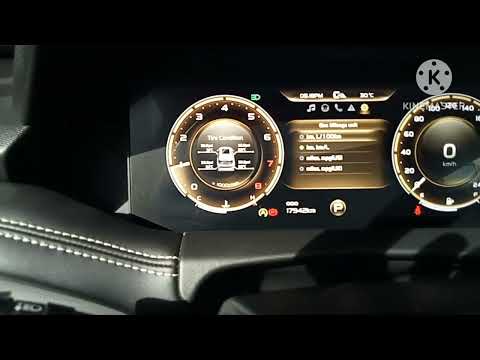
If you want to manually change the system language of your new Geely Icon, all you have to do is read the following mini guide carefully and put the …
Geely Geely Various
.. will show us how to access the menu of the onboard computer and change the date and time on the Geely Okavango. First of all, we get on board the.. …
Other guides you may be interested in
|
Removing the Drive Shaft on a Fiat Panda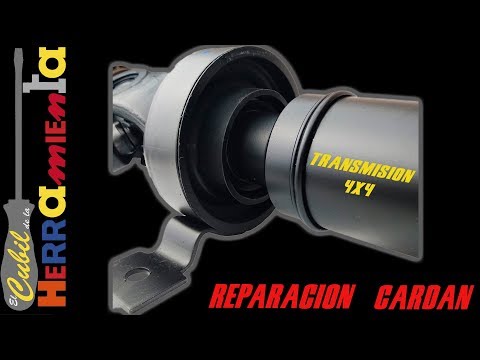
Learn how to remove the drive shaft on a Fiat Panda. Lift the car on a column lift and locate the drive shaft. Using a socket spanner, undo the securing bolts on either side of the drive shaft (remove the bolts around the plates) where it is situated. Once the part is removed, take it out of the vehicle (replace it with a new drive shaft). Finally, refit the new drive shaft (connect it on both sides) and tighten the appropriate bolts. Lower the car and test its proper functioning. by ScegliAuto More videos
|
For advertising on this site Write to info@scegliauto.com
ScegliAuto is not responsible for any inaccuracy of the data in the lists. To report any inaccuracy or your business (if you own the business in question), please write to info@scegliauto.com
Number of seconds to generate the page: 0.070
(c) ScegliAuto 2026 - info@scegliauto.com - Privacy policy VAT number: IT01247470535 |
