
|
Do it yourself
| |||
| ||||


How to reset the oil light on the 2015 GMC Terrain
Model: GMC Terrain
MK 1
- Years 2010-2017
To manually reset the oil pressure light on your first generation GMC Terrain (2015), you must follow the simple procedure described in this new mini guide. First, turn on the instrument panel of your GMC Terrain and use the directional buttons to navigate through the available screens. Once you have located the screen showing the remaining life of the engine oil, select it by pressing the "Set/CLR" button and confirm the manual reset of the light when prompted. Finally, turn off the instrument panel and you are done.
Posted on 4 May 2025 by ScegliAuto
Video tutorial
Related tutorials
GMC Terrain
(2018-2025 /
MK 2)
In the following guide you will find the description of the procedure you need to follow in order to manually reset the oil light of your GMC Terrain…
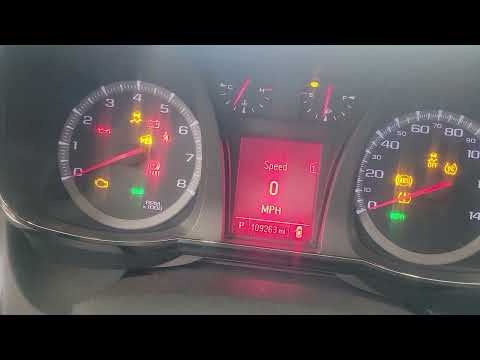
GMC Terrain
(2010-2017 /
MK 1)
In this new mini guide dedicated to all of you who own a first-generation GMC Terrain (year 2012), we will describe all the necessary steps to succes…
GMC Terrain
(2010-2017 /
MK 1)
If you want to find out where the fuse box is located inside your GMC Terrain first series (year 2013), just follow these simple steps. First you hav…
Other guides you may be interested in
|
How to Replace the Coolant in a Ford Focus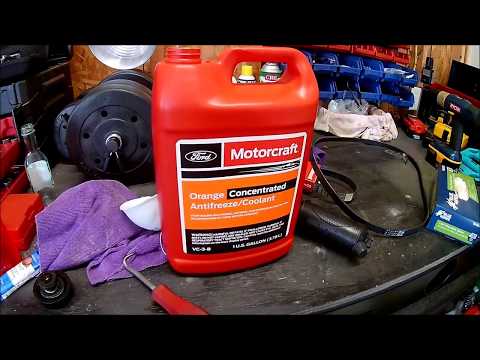
For this simple operation, you will need to lift the bonnet. Raise your vehicle on both sides and secure it on suitable stands. Remove the bolts securing the lower engine cover of your vehicle. Also, remove the cap from the radiator fluid reservoir. Now, locate the drain plug to empty the fluid inside the radiator. Prepare a container under the plug to collect the fluid without creating a mess. Once the fluid has fully drained, replace the plug on the bottom and refill the reservoir. by ScegliAuto More videos
|
|
For advertising on this site Write to info@scegliauto.com
ScegliAuto is not responsible for any inaccuracy of the data in the lists. To report any inaccuracy or your business (if you own the business in question), please write to info@scegliauto.com
Number of seconds to generate the page: 0.092
(c) ScegliAuto 2026 - info@scegliauto.com - Privacy policy VAT number: IT01247470535 |
