
|
Do it yourself
| |||
| ||||


How to reset the oil service in the GMC Sierra?
Model: GMC Sierra
MK 4
- Years 2014-2018
Resetting the oil service warning light in the GMC Sierra is a very simple and fast operation, let's see how to proceed in this tutorial. Obviously, this procedure must be followed only after having changed the oil according to the foreseen procedures. We turn on the instrument panel and, with the directional buttons placed on the right side of the steering wheel, we enter the "info" menu. At this point, scroll up or down to the section relating to engine oil, hold down the "ok" button until the reset item appears, which we will confirm. Finally, we turn the panel off and on again to verify that the procedure has been successful.
Posted on 18 June 2022 by ScegliAuto
Video tutorial
Related tutorials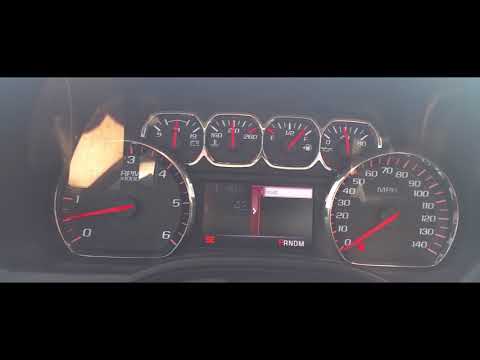
GMC Sierra
(2014-2018 /
MK 4)
.. In this tutorial we can see how to reset the oil service in the GMC Sierra pick-up, a very simple and fast operation, to be carried.. …
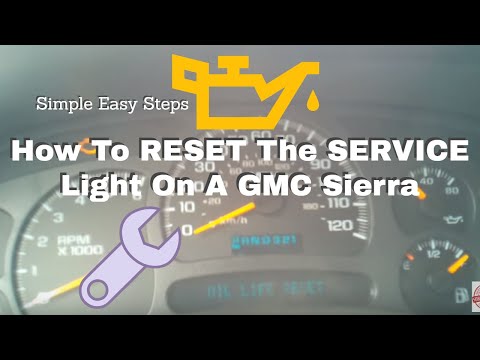
GMC Sierra
(1999-2007 /
MK 2)
Resetting the oil service in the GMC Sierra is very simple, let's see how to proceed in this tutorial. Obviously, this operation must be carried out …
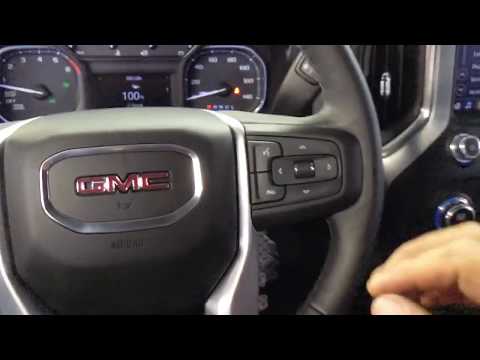
GMC Sierra
(2019-2026 /
MK 5)
In today's tutorial you will find out how to reset the useful life of the oil in the Gmc Sierra. Let's get into the vehicle and sit in the driver's s…
Other guides you may be interested in
|
How to Remove the Engine Air Filter on a Fiat 500X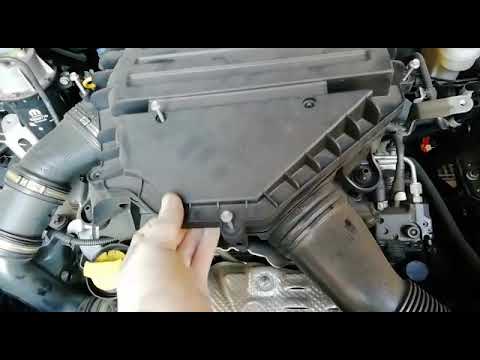
To remove the engine air filter on a Fiat 500X: open the car door, pull up the lever to open the engine bay located at the bottom left of the dashboard and lift the front bonnet, securing it with the prop rod. Unscrew the retaining bolts of the air intake kit (located above the engine head), remove the cover of the filter box and extract the worn air filter. Insert a new filter into the designated housing (ensuring it fits snugly against the walls). Finally, reassemble the air box cover and tighten everything with the bolts. Close the front bonnet after maintenance. by ScegliAuto More videos
|
|
For advertising on this site Write to info@scegliauto.com
ScegliAuto is not responsible for any inaccuracy of the data in the lists. To report any inaccuracy or your business (if you own the business in question), please write to info@scegliauto.com
Number of seconds to generate the page: 0.199
(c) ScegliAuto 2026 - info@scegliauto.com - Privacy policy VAT number: IT01247470535 |
