
|
Do it yourself
| |||
| ||||


|
Model: Honda Forza 125
The instructions in this guide will help you set the clock on the display of the instrument panel of the Honda Forza 125 scooter. First, place the scooter on its stand and turn on the instrument panel; press the info A and info B buttons simultaneously to enter the clock setting mode, then configure the hours and minutes as shown in the video. At this point, you can also select the time format, finally exiting the clock settings to save the changes made; all that’s left is to start the engine!
Posted on 26 March 2026 by ScegliAuto
Video tutorial
Related tutorials
Forza 125
All clock setting management in the Honda Forza 125, which we can see a presentation of in the attached video, is based on using only two buttons on …

Forza 125
In today's guide you will see how to change the time on the informative display of the speedometer of a Honda Forza 125 in just a few simple steps, l…

Forza 125
Today's steps will show you how to disassemble and replace the battery of the Honda Forza 125 scooter, following the instructions below. First, put t…
|
Replacing the Front Brake Pads on the Piaggio Vespa 50 LX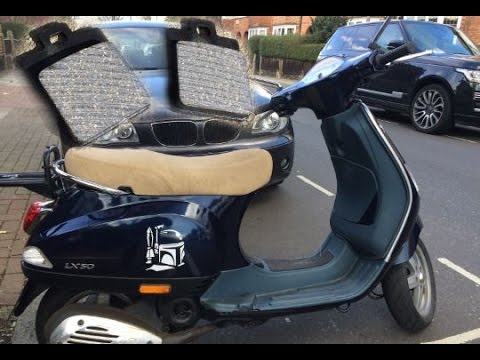
This guide will illustrate the instructions on how to remove and replace the front brake pads on the Piaggio Vespa 50 LX. First, place your scooter on the centre stand and start unscrewing the nuts securing the front wheel to remove it; then use pliers to remove the brake pad retaining clip, as shown in the video. At this point, remove the old pads, cleaning the caliper of dirt; press the caliper piston back to allow for the installation of the new pads (of excellent quality). Finally, reassemble the front wheel. by ScegliAuto More videos
|
|
For advertising on this site Write to info@scegliauto.com
ScegliAuto is not responsible for any inaccuracy of the data in the lists. To report any inaccuracy or your business (if you own the business in question), please write to info@scegliauto.com
Number of seconds to generate the page: 0.006
(c) ScegliAuto 2026 - info@scegliauto.com - Privacy policy VAT number: IT01247470535 |
