
|
Do it yourself
| |||
| ||||


How to change the engine oil on a Honda Click 150 scooter?
Model: Honda Click 150
Video tutorial
In this tutorial, see how to change the engine oil on a Honda Click 150 scooter, a very simple and quick operation. First, ensure that the engine is cool enough for safe operation, then position a container underneath the scooter, locate the drain bolt, and unscrew it using a 12mm socket. Allow all the oil in the system to drain out, then unscrew the filter cap with a 17mm socket and clean it of any dirt residue. At this point, reassemble everything and add the required amount of oil through the designated upper hole.
Posted on 27 June 2026 by ScegliAuto
Related tutorials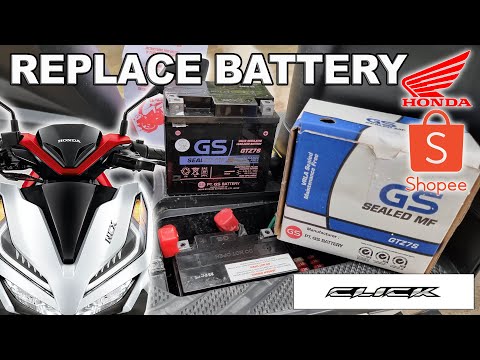
Click 150
In this tutorial, see how to replace the battery in the Honda Click 150 scooter, an extremely simple and quick operation. Before proceeding, ensure t…

Click 150
In this tutorial, you will see how to reset the service on the Honda Click 150 scooter. This operation is extremely simple and quick, to be performed…

Click 150
In this tutorial we can see how to adjust the time on the Honda Click 150 scooter, an extremely simple and quick operation, to be carried out for exa…
|
How to Replace the Exhaust on a Malaguti Spidermax GT 500?
To replace the exhaust on a Malaguti Spidermax GT 500, start by removing the old exhaust, loosening the connecting clamp, and unscrewing the bolts that secure it to its housing. This will allow you to remove the old exhaust and insert the new one, which must be connected to the exhaust system. Secure it by attaching the fixing clamp and connecting the exhaust to the support bracket at the top and bottom. Once the new exhaust is installed, you can start the bike and check that everything is functioning correctly. by ScegliAuto More videos
|
|
For advertising on this site Write to info@scegliauto.com
ScegliAuto is not responsible for any inaccuracy of the data in the lists. To report any inaccuracy or your business (if you own the business in question), please write to info@scegliauto.com
Number of seconds to generate the page: 0.006
(c) ScegliAuto 2026 - info@scegliauto.com - Privacy policy VAT number: IT01247470535 |
